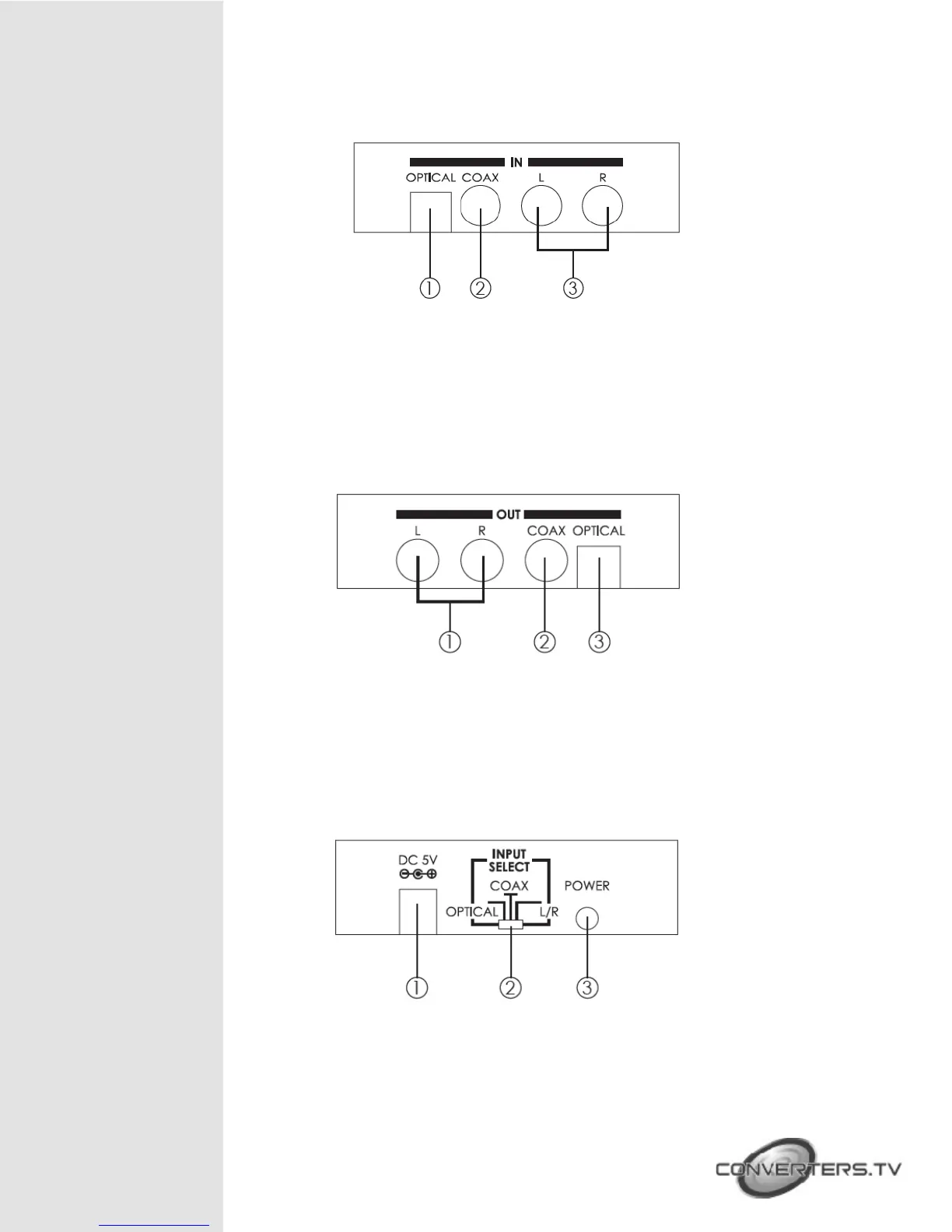
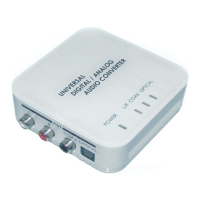
Right Panel
① OPTICAL: Connect from audio source equipment’s optical audio output
with optical cable.
② COAX: Connect from audio source equipment’s coaxial audio output
with coaxial cable.
③ L/R: Connect from audio source equipment’s L/R audio output with L/R
RCA jack cable.
Left Panel
① L/R: Connect to audio equipment’s L/R input such like TV or amplifier
with L/R RCA jack cable.
② COAX: Connect to audio equipment’s coaxial input such like TV or
amplifier with coaxial cable.
③ OPTICAL: Connect to audio display equipment’s optical input such like
TV or amplifier with optical cable.
Rear Panel
① DC 5V Power Jack: Plug 5V 1A DC power supply into the unit and
connect the adaptor to AC wall outlet.
② INPUT SELECT: Use this switcher to select input from optical, coaxial or L/R.
③ Power Switch: Push to button to turn on or switch off the device.


 To Next Page