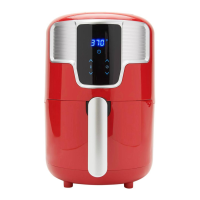
HOW TO USE THE CONTROL PANEL
POWER BUTTON: Powers the Digital Air Fryer ON/OFF.
START/CANCEL BUTTON: Starts or Cancels selected cooking function.
MENU BUTTON: Use this button to cycle through and select a QUICK MENU function - CUSTOM,
FROZEN FRIES, FRESH FRIES, CHICKEN WINGS, ROTISSERIE CHICKEN, STEAK, FISH FILLET, FROZEN
SNACKS.
TEMP BUTTON: Use this button to adjust Cook Temperature (from 176°F ~ 464°F).
TIME BUTTON: Use this button to adjust Cook Time (from 1 minute up to 99 minutes)
-/+ BUTTON: Use these buttons to decrease/increase the Time and/or Temperature settings.
Temperature button Time button Rotate button
Quick Menu Function Indicator



 To Next Page