Issue 1 23/4/2020 7
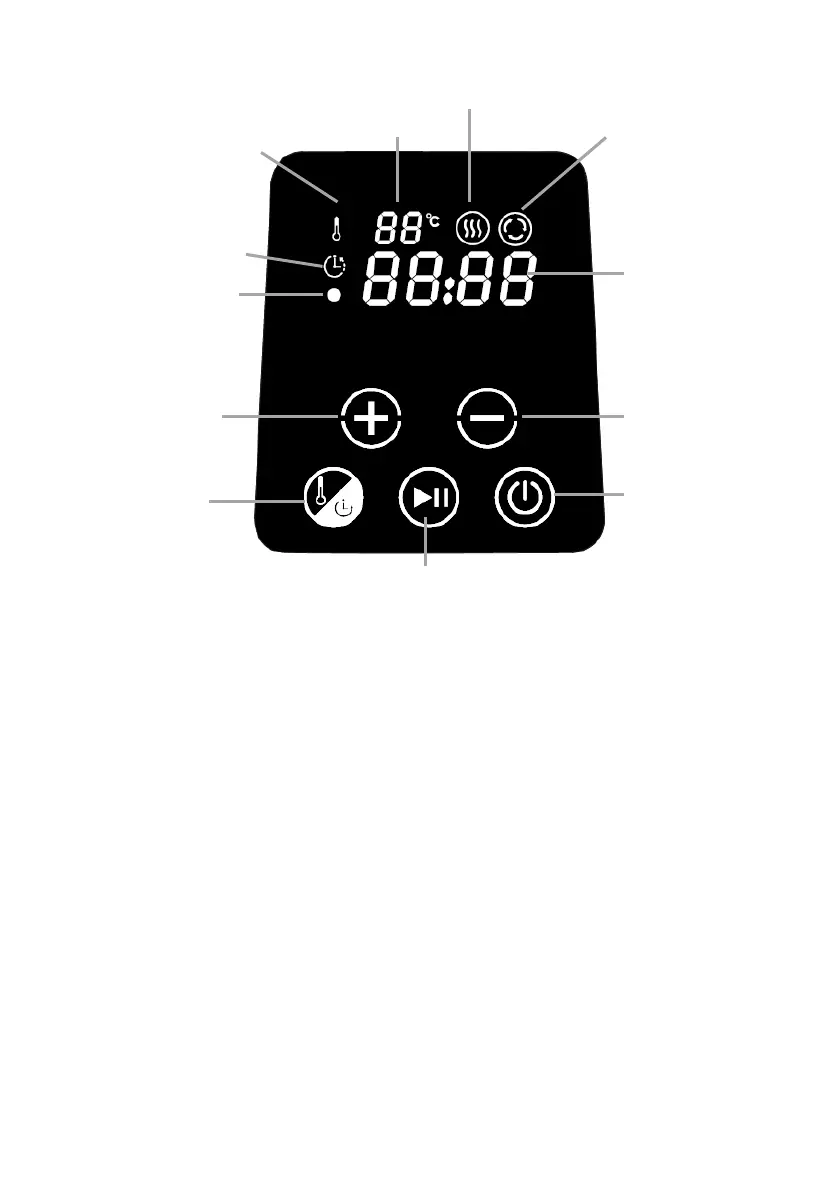
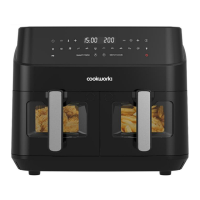
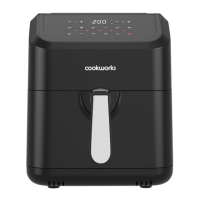
CONTROL PANEL
TO USE
1. Place the fully assembled fryer on a stable, flat, heat
resistant surface and away from flammable materials and
surfaces that may be damaged by steam. Check that the
plug will reach a socket and that it can be accessed without
reaching over the fryer.
2. Pull out and fully unwind the cable, plug in and switch on
the display will activate briefly, a bleep will be heard and
the power indicator will illuminate (red). For your safety do
not allow the cable to dangle over the edge of units
3. Preheat the fryer for 5 minutes before use. Press the
POWER pad and the display will activate.
4. Press the MODE pad and the temperature will flash in the
display. Using the adjustment (+/-) pads, set the
temperature to the desired cooking temperature.



 To Next Page