1
1
2
2
3
3
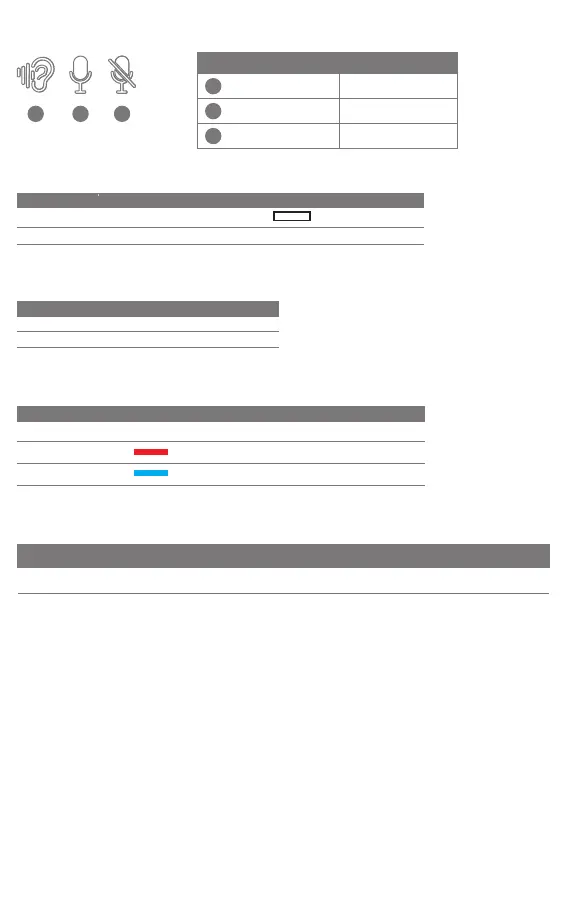
Mic and Sidetone
Sidetone on
Sidetone off
Microphone mute
Instruction/Description Voice Prompt
3D Surround
3D Sound On Press to active the effect White LED steady
Release to turn off the effect3D Sound Off Off
Function LED StatusInstruction/Description
Volume Control
Function Instruction/Description
Volume up
Push up
Volume down Push down
Charging
/
Low Battery
Power Description LED Status
Low Battery
●.●.●.●.●.●.
Red slow flash
Charging
Red LED steady
/Charging Completely
Blue LED steady
Voice Prompt
Wired Connection
Connect
Instruction/
Description
Analog listen Disable
Power
Disable
3D Surround
Disable
Sidetone
Disable
Microphone
Mute
Disable
Volume
Connect with 3.5mm
audio cable
Sidetone ON
Microphone ON
Sidetone OFF
Microphone ON
Sidetone OFF
Microphone MUTE



 To Next Page