Owner’s Manual
Page - 16 - of 22
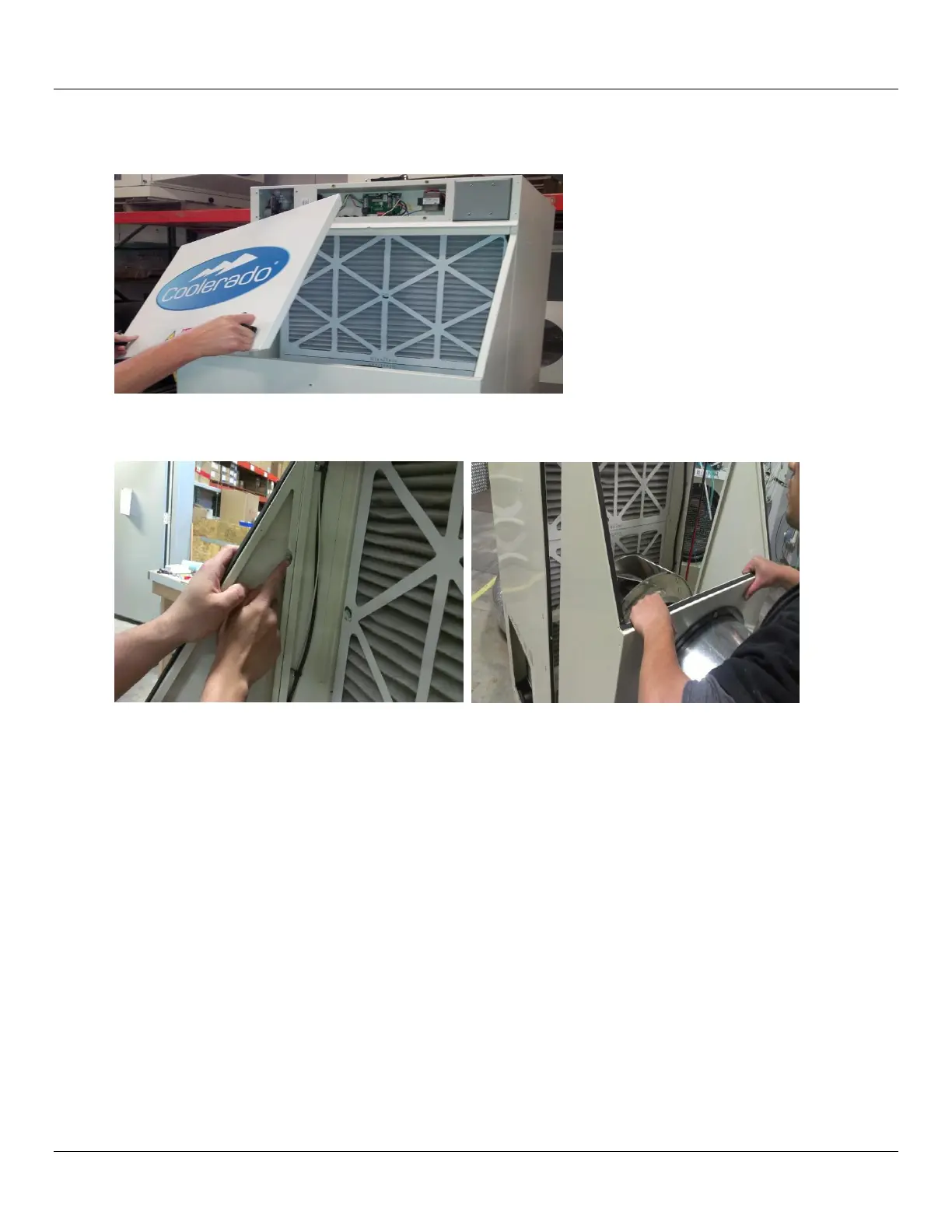
2. Depending on the unit to be serviced, turn handles counter clockwise and remove air filter access panel or use a 5/16“ (8
mm) nut driver to remove the two (2) nuts.
3. Remove outside air inlet plenum for access to HMX front face by removing the four (4) nuts using a 5/16” (8 mm) nut driver
or clips as appropriate for the model being serviced.
4. Remove air filters by sliding them up and out of the unit.



 To Next Page