9
Then follow Steps 20-23 above and the display will show the
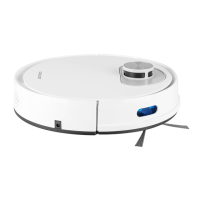
vacuum cleaner control panel.
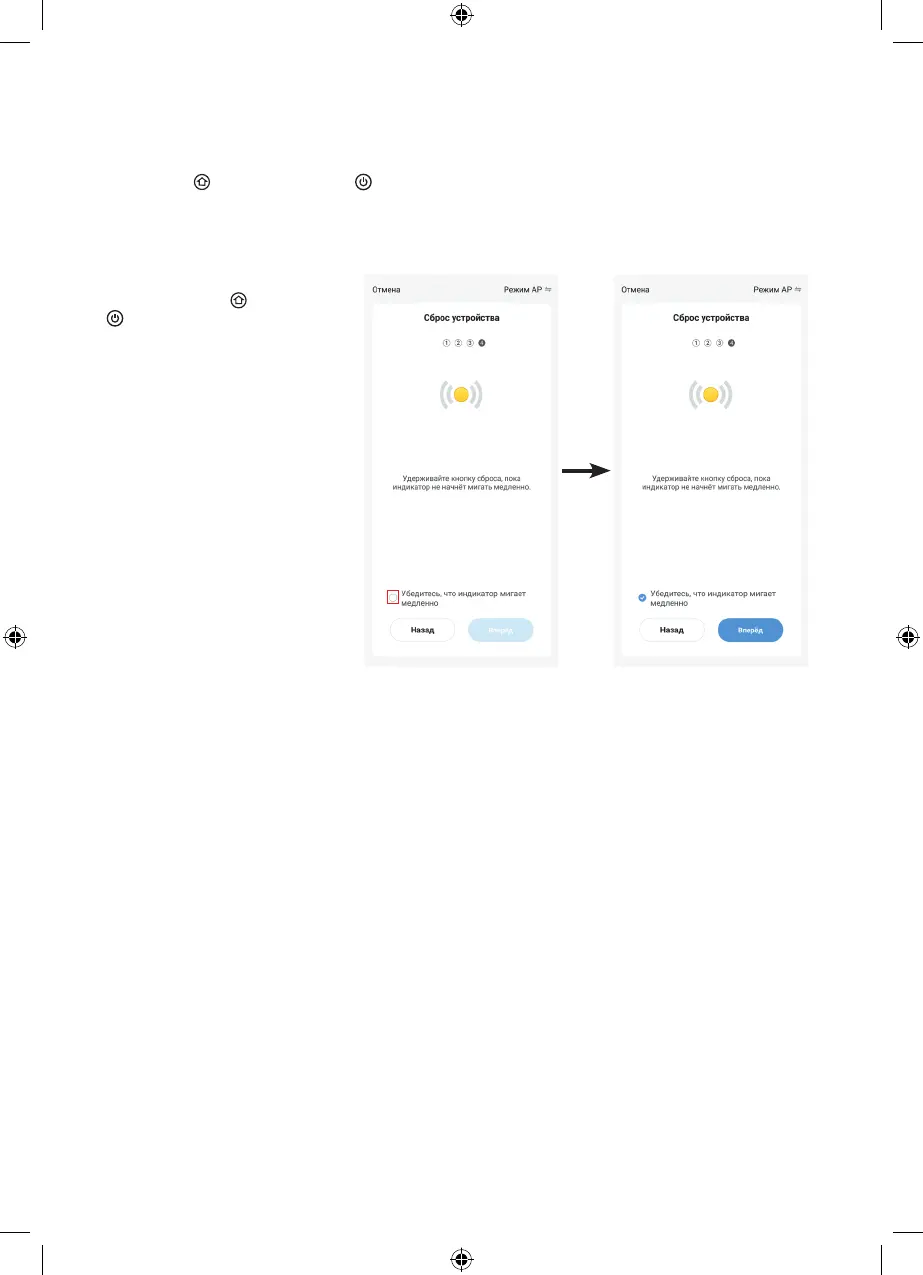
Make sure that the illumination
of the buttons (1) « » and (2)
« » is flashing slowly and click
the highlighted checkbox.
Then click «Next».
Turn the mode of connecting the vacuum cleaner to a Wi-Fi network on, to do this, simultaneously press
and hold the « » button (1) and the « » button (2) for 5 seconds. The vacuum cleaner will go into the
Wi-Fi connection mode, and the illumination of the buttons (1) and (2) will start to flash slowly in white. After
enabling connection mode, click «Next» and go to the next page.


 To Next Page