20
Contacts
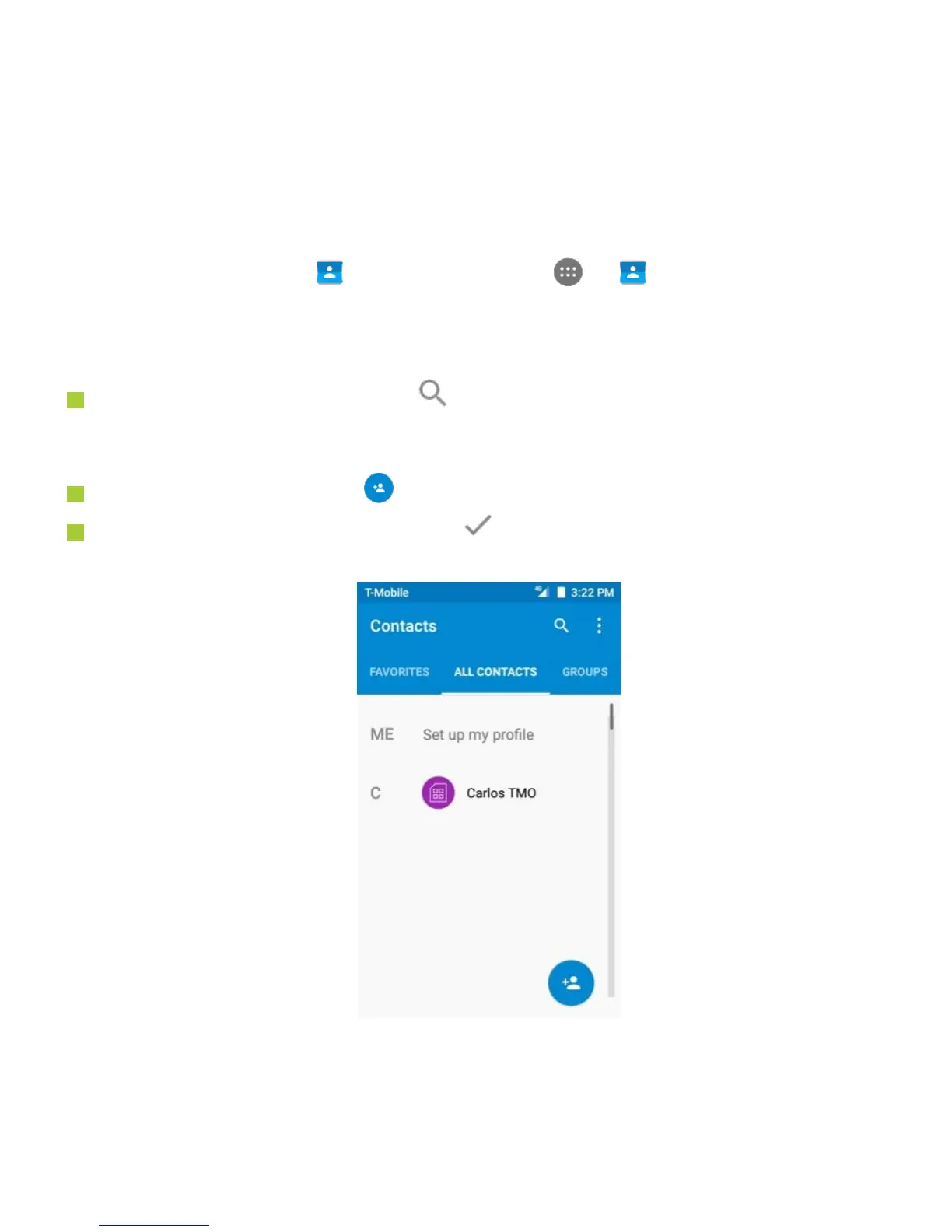
On the Home screen, tap at the bottom or tap > to enter Contacts screen.
This app easily saves all of your important contact information including contact names,
numbers and email addresses.
It also supports lots of other communication operations.
To search for your contacts, tap at the top right corner of the Contacts screen;
enter keywords in the search box. The phone system will automatically display the
matched results.
To add a new contact, tap at the lower right corner of the Contacts screen.
Enter the contact information and tap to save it.



 To Next Page