22
Email
Setting up & using Gmail
The Gmail app allows you to read and compose
emails.
On the Home screen, tap > to enter the
Gmail screen. Here Gmail has various uses. For
instance, utilize your Gmail account for signing in to
all Google apps & services including but not limited
to:
Google Play Music
Google Play Store
Google Drive
Getting familiar with your Email app
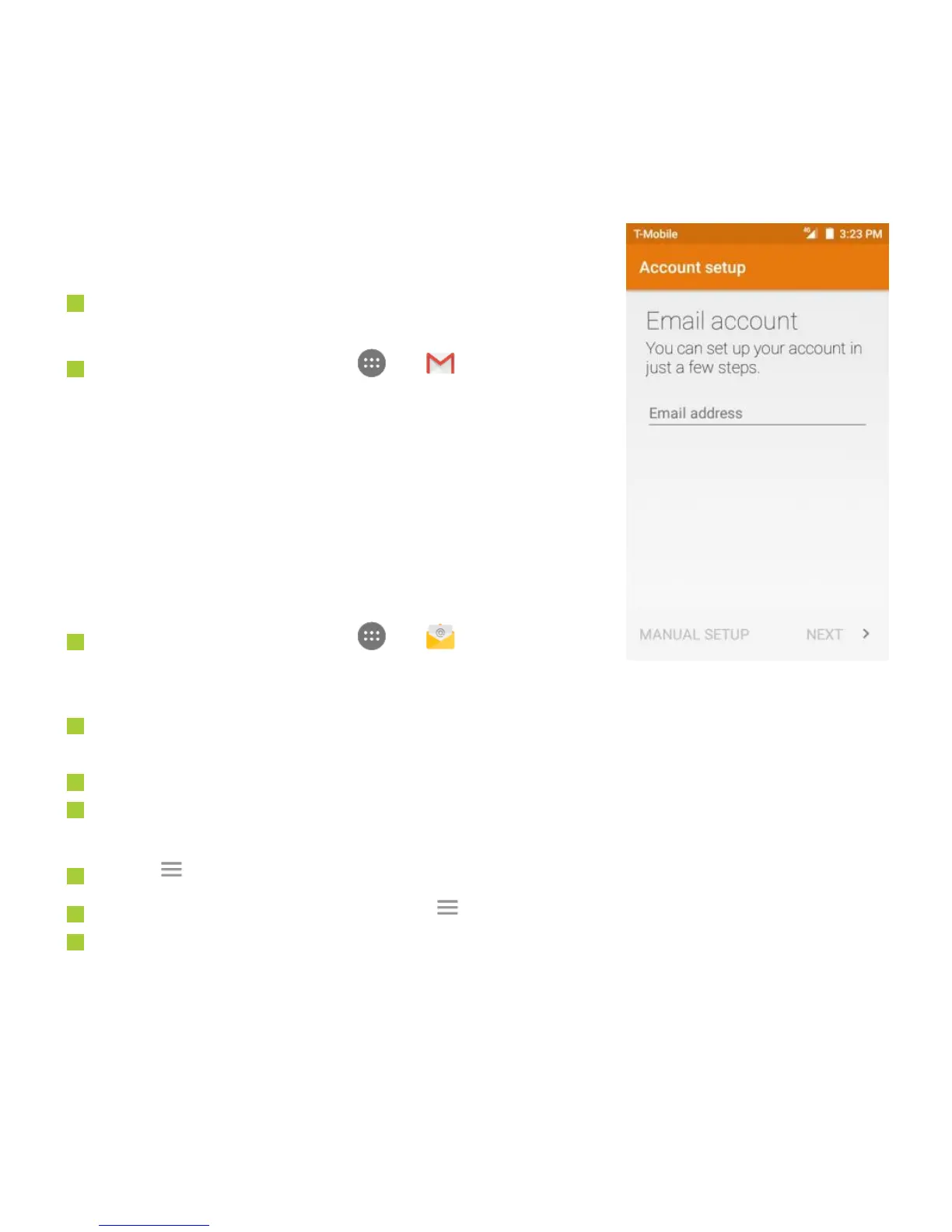
On the Home screen, tap > to enter the
Email screen. When using it for the first time, you
need to enter your email address and password to configure an account.
After your email account is configured, you can archive, delete, label, or perform other
mail operations.
Tap the icon on the left of a mail thread to select it.
After opening a mail, swipe to the left or right to read earlier or later mail
conversations.
Tap at the top of your phone screen to manage your mails.
On the Email screen, you can tap > Settings to add a new email account.
On the Email settings screen, tap an email account and customize your Email
settings.



 To Next Page