21
Messaging
On the Home screen, tap at the bottom or tap > to enter
Messaging screen.
Entering & editing text
Enter text by using the screen’s keyboard. To open your phone’s keyboard,
simply tap where you want to type. Tap the Back key to close the keyboard.
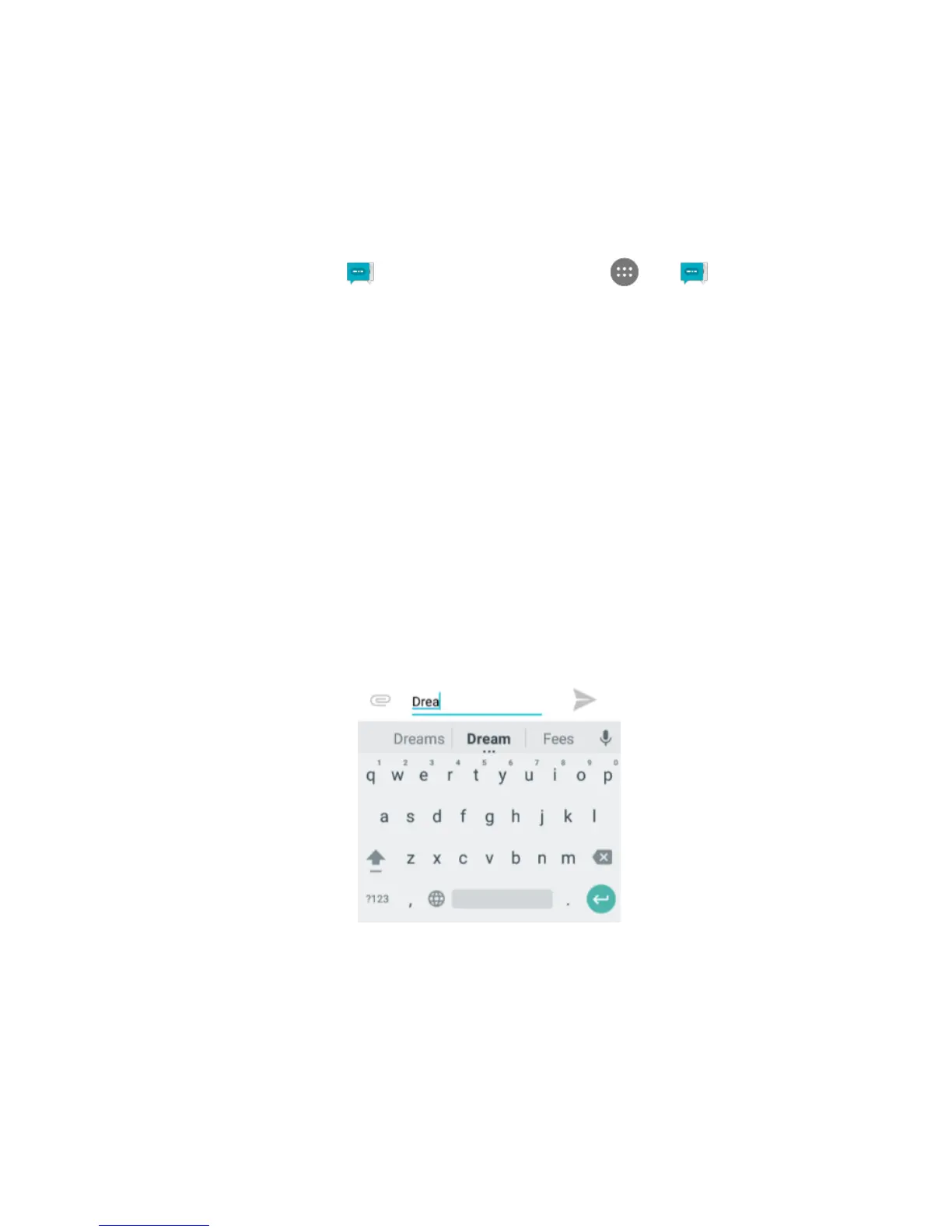
Next-word suggestions
1. Tap where you want to type text.
2. Begin typing a word. Choose one of the words displayed above the
keyboard.
3. If you do not want to use those words, type the next word without using
the space bar.
4. Your phone will continue to present word choices while you type.



 To Next Page