7
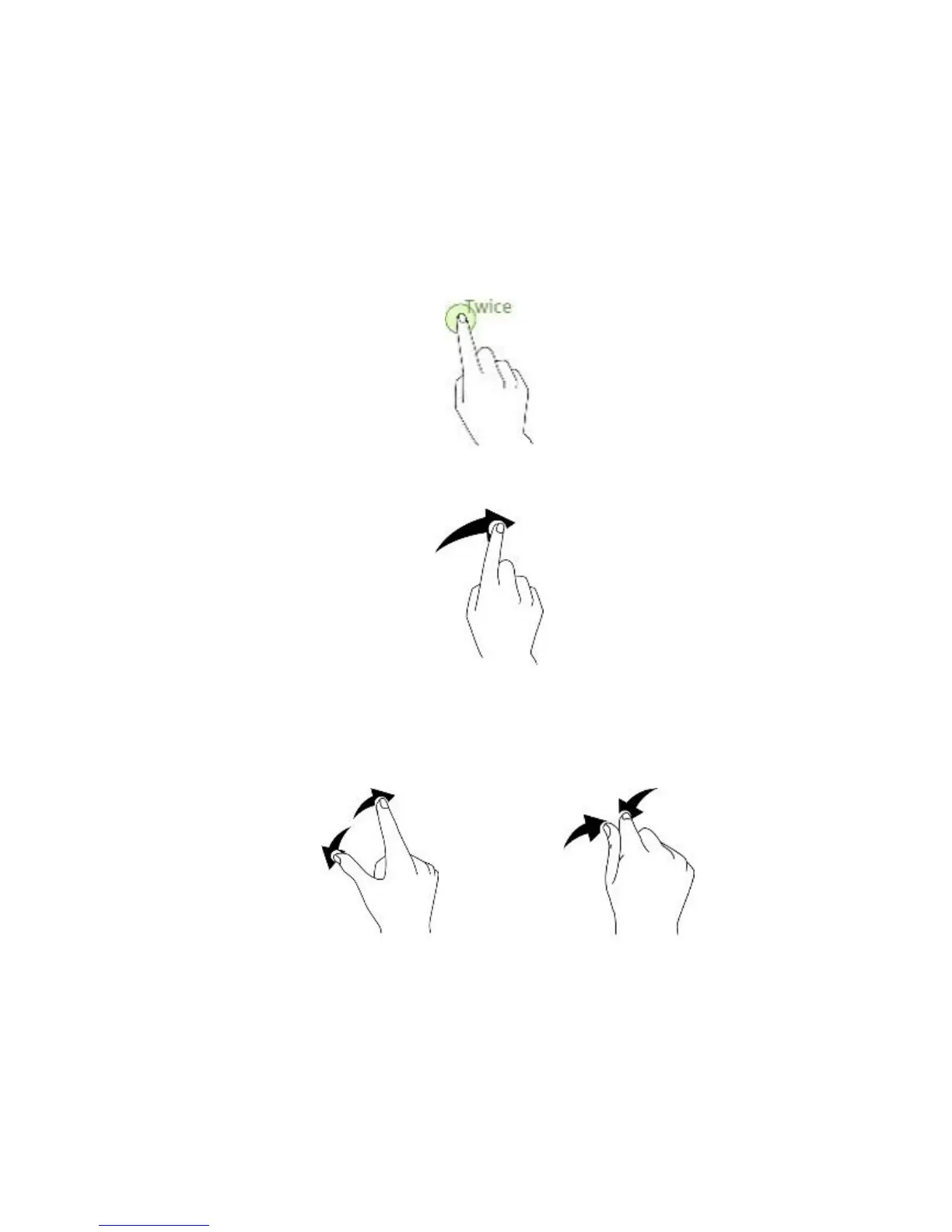
Double-tapping
Double tap on Webpage does not zoom in on image, double tapping again does not return,
this only works on a photo image from the gallery.
Swiping
Swipe to the left or right on the Home screen or the Apps screen to view other panels.
Spreading and pinching
Spread two fingers apart on a webpage, map, or image to zoom in a part. Pinch to zoom
out.



 To Next Page