©
2023
- 14 -
Handbook
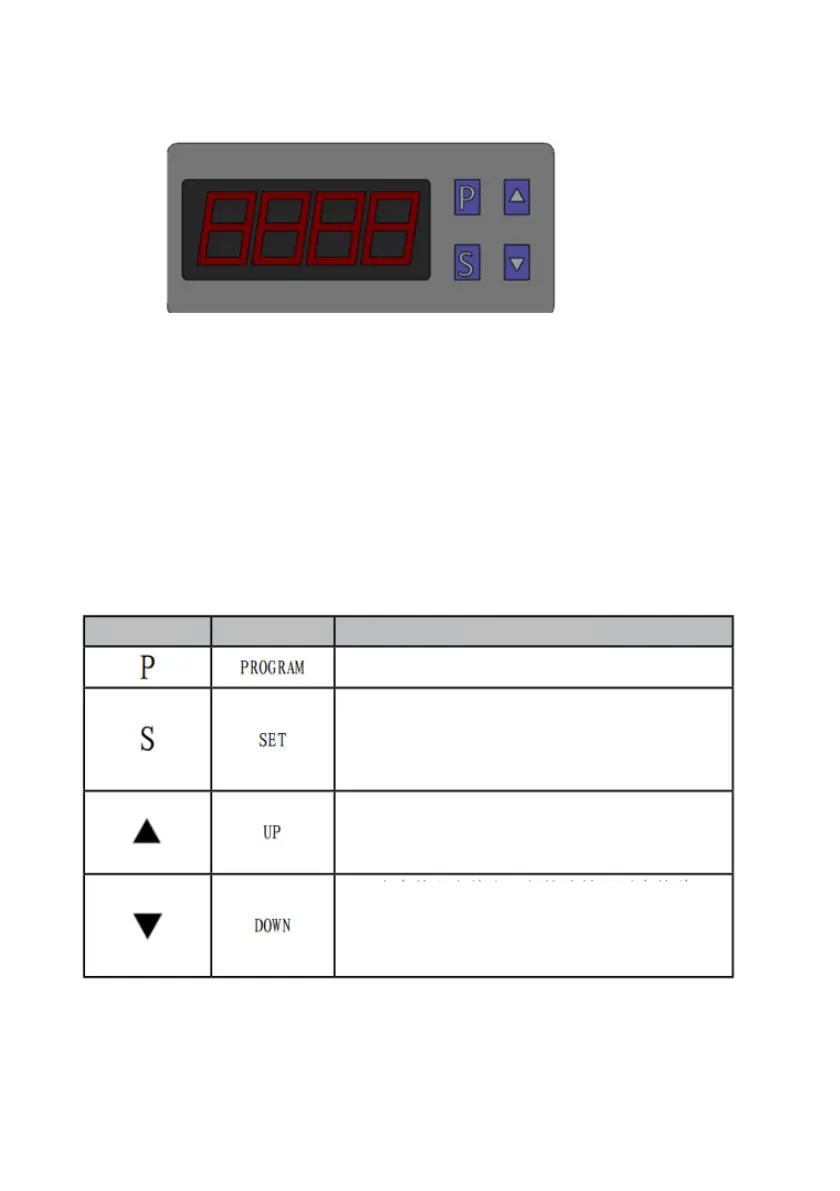
Controller Interface
Introduction
7.1 Operating instruction
7.Controller Interface Introduction
Press and hold "P" on the main page to enter the system
parameter setting page
1. When on the parameter setting page, briefly press this
key to switch between displaying the parameter code and
parameter value settings
2. Press and hold "SET" on the main page to enter the
user parameter setting page
1. In the parameter setting state, short press this key to set
the parameter increase, and long press this key to set the
parameter increase quickly
2. On the main page, press this button to see the evaporator
temperature
1. In the parameter setting state, short press this key
to set the parameter increase, and long press this key
to set the parameter increase quickly
2. Long press this button to forcibly start the
compressor or forcibly shut it down


 To Next Page