- 2 -
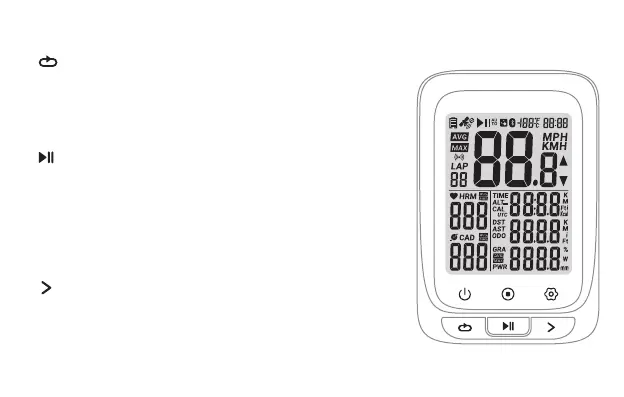
Button function
Short Press: Page turning
Hold for 2 seconds: setting mode
(Short press in setting mode: switch setting
options / switch the numerical)
Right Button
Left Button
Mid Button
Short Press: Pause / Continue (Short
press to start recording after power on)
Hold for 2 seconds: save the exercise
record and exit the exercise
(Short press in setting mode: enter the
current setting / switch the number of digits)
Short Press: Mark a new lap
Hold for 2 seconds: Power off
(Power on: short press the button)
(Short press in setting mode: exit / return and save the setting)


 To Next Page