12 | P a g e
System Settings:
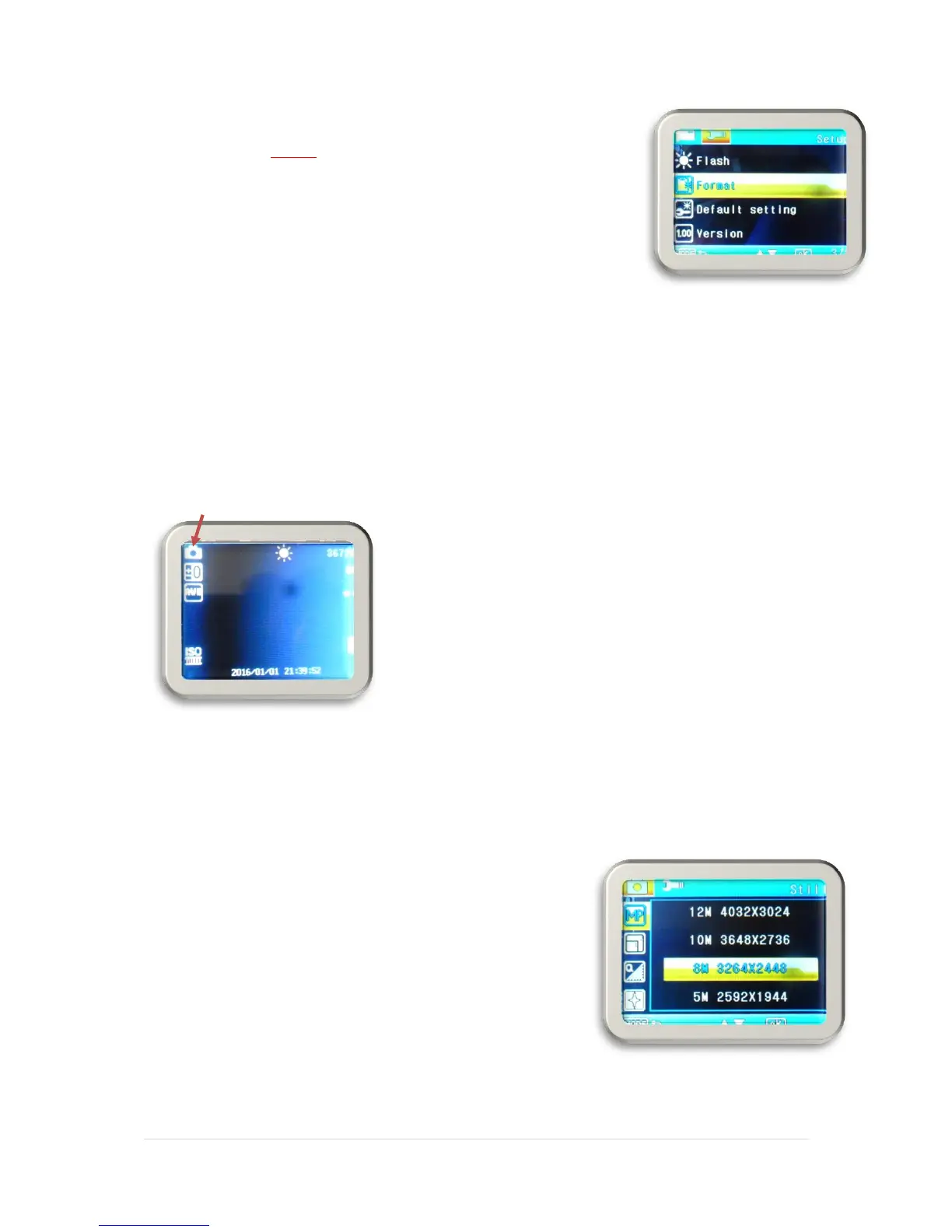
Format: This will format the memory card.
NOTE: All files will be erased, so please take steps to save your video
files to your PC or other backup if you wish to preserve your recordings.
Language: Sets the language of the OSD (on screen display)
Auto Power Off: Set and activate the Auto Power Off timer.
Sys. Reset: Reset all settings to factory presets.
Light Freq. (Frequency) Set the frequency of the AC power to reduce interference of fluorescent
lights.
Date Input: Set or change the current time.
USB: Upload videos and photos or go to Webcam mode when connecting to a PC.
Version: View the firmware version number
Picture Settings
Enter picture capture mode as instructed earlier.
Press the MENU button to enter the settings menu.
Use the ▼ or ▲ buttons to select and highlight the function you would like to adjust. Press
the MENU button to enter the subsequent menus – and to exit the menu interface once you
have made the settings.
Press the “OK” button to enter or confirm the settings
▪ 12M (4032 x 3024 pixels)
▪ 10M (3648 x 2376 pixels)
▪ 8M (3264 x 2448 pixels)
▪ 5M (2592 x 1944 pixels)
▪ 3M ((2048 x 1536)
▪ 2MHD (1920 x 1080 pixels)
▪ 1.3M (1280 x 960 pixels)
▪ VGA (640 x 480 pixels)


 To Next Page