7 8
Personal Profile
For more accurate tracking, customize the settings to your own
personal profile, including the following categories:
• Gender
• Age
• Weight
• Height
• Stride Length
• Year
• Month
• Day
• Hour
• Minute
• AM/PM
1. Press and hold the SET button to enter Personal Profile.
2. When display module shows M or F, release the SET button.
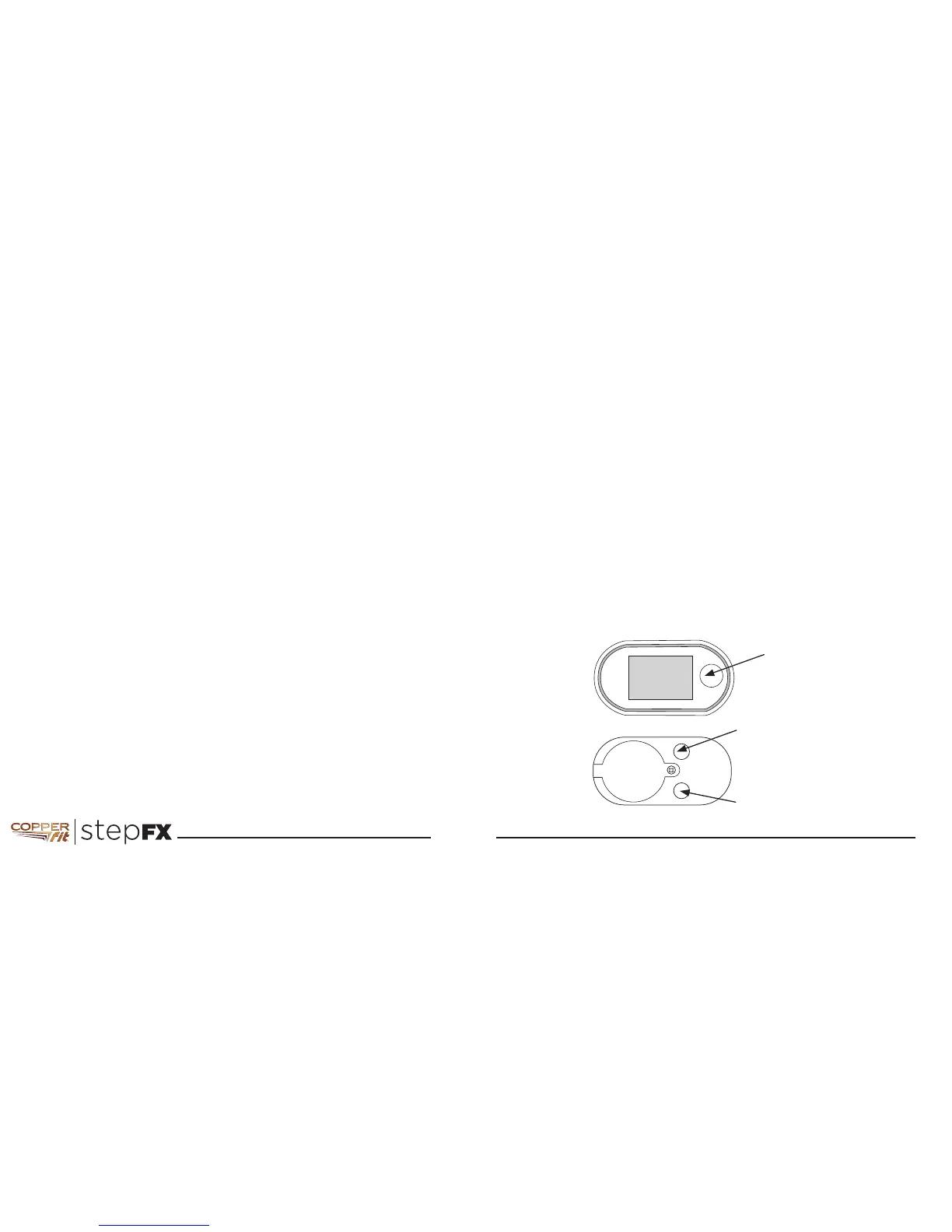
3. Use the buttons as indicated in the picture to set the value,
then press SET to enter the selected value and go to the next
item.
NOTE: During set up of your Personal Profile, the display will
slowly blink showing the active category.
HINT: Hold the RESET (+) or MODE (-) buttons down to make
the numbers scroll through faster.
DECREASE(-) VALUE
(MODE)
ENTER VALUE
and go to next item
INCREASE (+) VALUE
SET
RESET



 To Next Page