17
Personalizing Your Laptop (Continued)
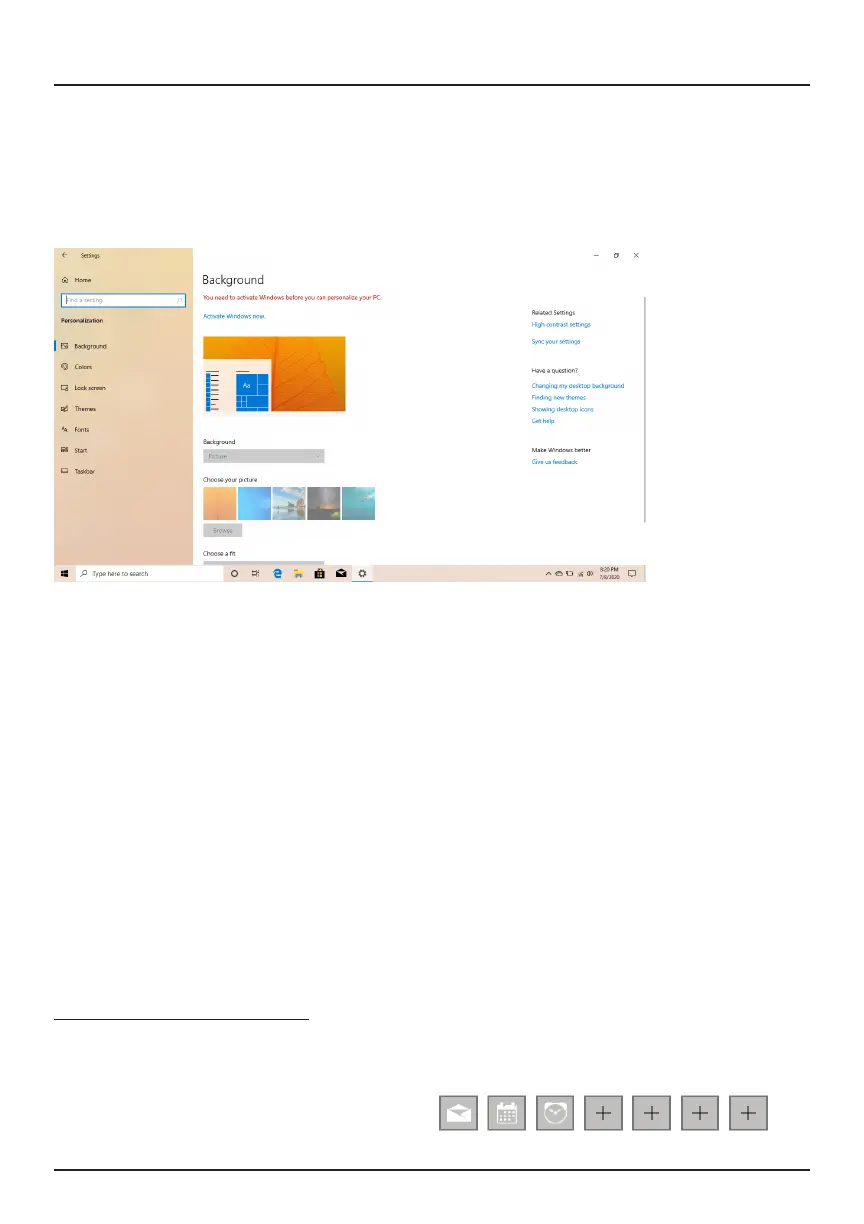
Background and Color
You can also customize the Start Screen colors and background. At the
Start Screen, open the Action Center and click "All Settings", then select
"Personalization".
Personalize Your Lock Screen
Open the Action Center, and click "All Settings". Select Personalization >
Lock screen > Congure your options.
Personalize Your Desktop
To customize your desktop, go to your desktop and open the Action
Center. Click “Personalization”. You may now change the theme, desktop
background, colors and more.
Notications and Actions
Notications should appear in the top right corner of the screen. To hide
notications, open the Action Center > All Settings > System > Notications
and Actions.
Lock-Screen Notications: To edit app notications on the lock screen,
open All Settings in the Action Center. Select "Personalization", then "Lock
Screen".
Choose apps to show a quick status.


 To Next Page