Need help?
Do you have a question about the Core CLT146401 and is the answer not in the manual?
Essential guidelines for safe operation, environment, handling, and maintenance.
Controls device power and sleep modes.
For capturing photos and videos.
Input device for cursor control.
Input device and status lights for Caps Lock, Num Lock, Power.
Details USB, HDMI, Headphone, and SD card slots.
Microphone, speakers, charging indicator, and port.
Guides on charging, powering on, connecting to Wi-Fi, and logging in.
Explains the layout and function of the Start Menu.
Link to external resources for more information.
Details security benefits of S mode.
Explains how to exit S mode and its implications.
Detailed instructions for switching out of S mode via the Microsoft Store.
Instructions on adding app icons to the Start Menu.
Instructions on removing app icons from the Start Menu.
Process and requirements for installing apps.
Explains PC, Documents, Settings, and Power options.
Guide on finding files and searching the web.
How to view notifications.
Definition and basic usage of the assistant.
List of tasks Cortana can perform.
Managing multiple apps and virtual desktops.
How to sleep, restart, or shut down the device.
Method to open the notification panel.
Overview of settings like Bluetooth, Wi-Fi, Nightlight.
Where to check the battery level.
Steps for connecting Bluetooth devices.
Connecting to local printers.
Connecting to external displays via HDMI or wirelessly.
Adding apps and websites to the Start screen.
Moving, resizing, and unpinning tiles.
Changing desktop and Start screen appearance.
Configuring lock screen and desktop elements.
Controlling app notifications.
Steps to enable and connect to Wi-Fi networks.
Turning off Wi-Fi, forgetting networks, and setting up VPN.
Explains the differences between account types.
How to manage accounts, change passwords, and lock/sign out.
Customizing accessibility features.
Overview of devices, privacy, network, time, updates, and security.
Procedures for refreshing or restarting the laptop.
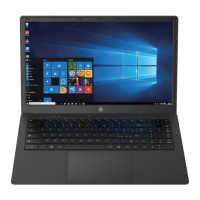
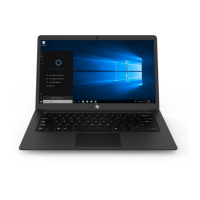
Detailed list of the laptop's components and features.
Contact information for customer assistance.
Explains the warranty coverage and conditions.
Specifics on parts and labor coverage.
Information regarding device compliance with FCC rules.

 To Next Page
 General