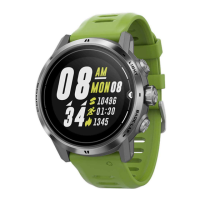
Device Overview
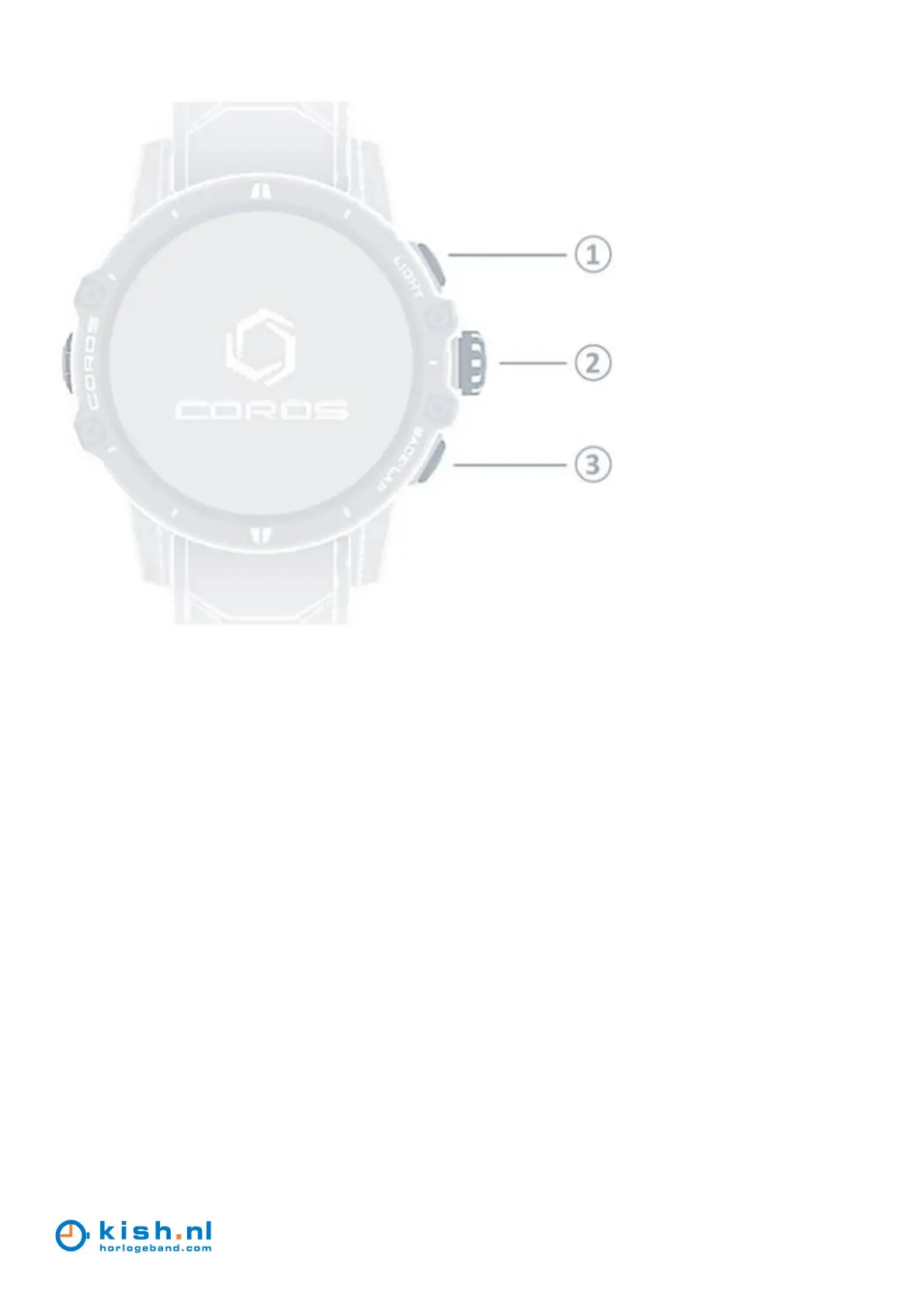
1 (LIGHT):
o - Press to activate and deactivate backlight
2 (Digital Dial/CONFIRM):
o - Rotate to switch the selection up and down
o - Rotate to switch the daily widgets
o - Rotate to switch data pages in workout modes
o - Rotate to zoom in and out in Navigation mode
o - Press to confirm a selection
o - Press to open main menu
o - Hold to finish a workout
o - Hold to power on and restart the watch
3 (BACK/LAP):
o - Press to return to the previous screen
o - Press to record a lap or rest during workouts
o - Press to skip to the next session in Interval Training mode
o - Press to change the display of different data on the main watch face
o - Hold to open Toolbox/shortcut menu
o - Hold to exit Stopwatch and Timer feature pages


 To Next Page