3-53
Controls and Indicators
Nautique LINC 2.0 – River Mode (210 and 230)
LINC’s River Mode is a feature that allows the driver to keep the
boat’s speed-over-water constant at the push of a button when a
current is present. To compensate for the current, the boat’s speed-
over-ground or “GPS speed” must be adjusted up or down,
depending on the direction of the boat relative to the current.
Please follow the steps listed on the following pages to learn how to
turn on, operate and adjust River Mode from the Home Screen and
from 3 Event.
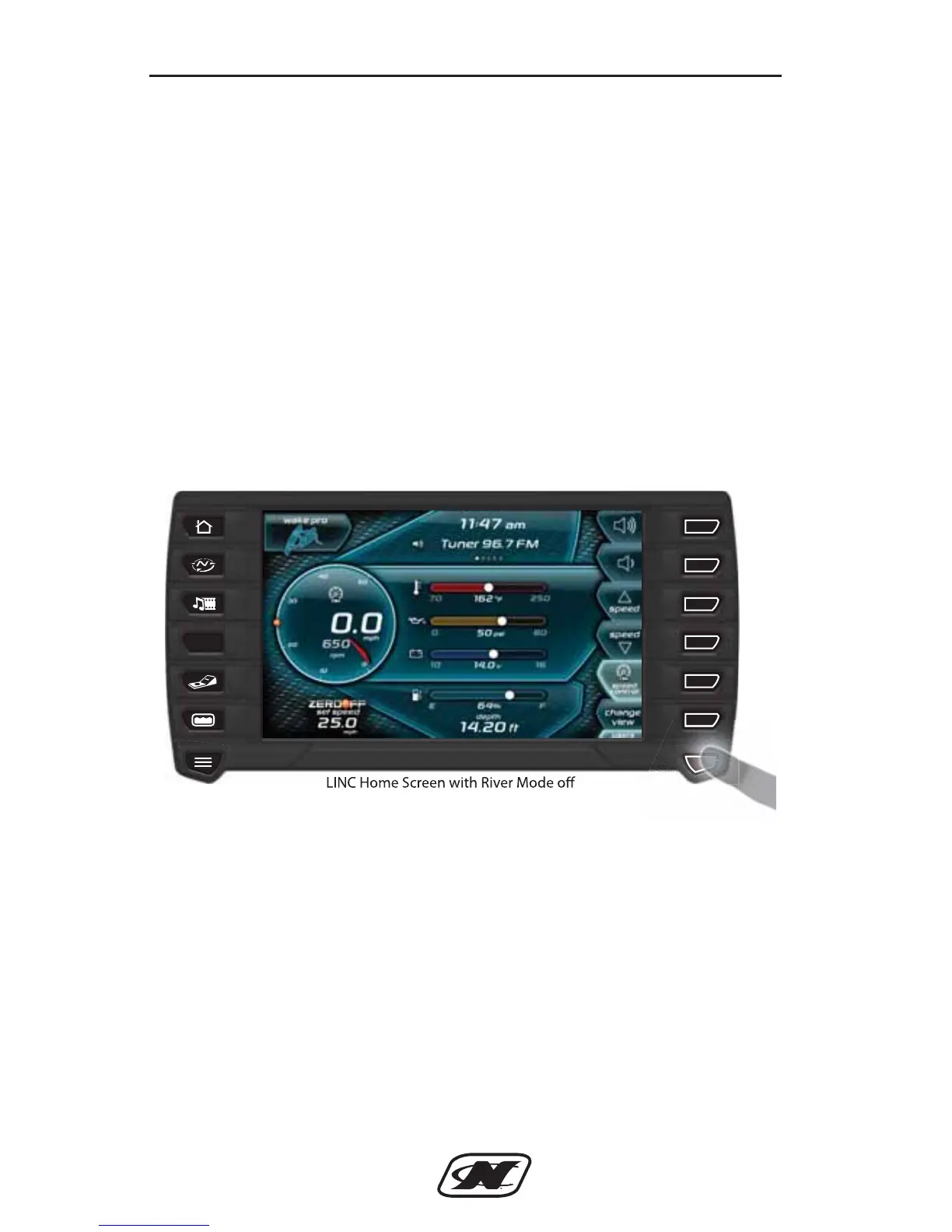
From the Home screen, press the seventh button down from the
right (will be labeled either “users” or “SURF” depending upon the
set speed).



 To Next Page