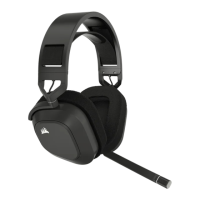
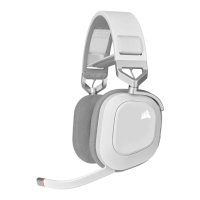
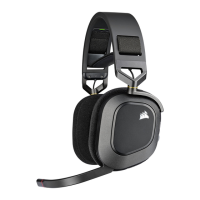
A. POWER BUTTON / WIRELESS MODE
B. RGB LED LIGHT
C. VOLUME CONTROL / EQ SELECT / iCUE CONTROL
D. HEADSET STATUS LED
E. CHARGING PORT
F. MICROPHONE STATUS LED
G. BLUETOOTH / MULTI-FUNCTION BUTTON (MFB)
H. PAIRING STATUS LED (WIRELESS USB RECEIVER)
RF WIRELESS MODE
PC - Connect the wireless USB transmitter to any USB (type-A) port on your PC. Press the power button on the
headset. The headset powers on in RF wireless mode by default. The headset is designed to operate at a range of up
to 50 feet (15.24m) from the transmitter, but other wireless devices, electronics and obstructions such as walls may
impact performance.
NOTE: The first time you use the CORSAIR HS80 MAX WIRELESS headset on a PC, the operating system will
automatically install a device driver. After the device driver is installed, we recommend you reboot your PC before use.
PLAYSTATION - Connect the wireless USB transmitter to any USB port on your PS4 or PS5 console. Use the
PlayStation UI to set “Output to Headphones” to “All Audio”. Adjust volume control (Headphones) to maximum level.
Then adjust volume with the headset volume control.
BLUETOOTH MODE
With the headset powered on, enable pairing by holding the MFB until the status LED rapid blinks red and blue. When
the headset is paired, the status LED will blink blue. Quick press the power button to toggle between RF wireless and
Bluetooth modes. When the headset is in RF wireless mode the status LED will blink red, orange or green depending on
the current battery level. Note when the headset is in RF wireless mode and paired via Bluetooth with a mobile phone,
it will only accept and receive phone calls. Quick press the power button to enter Bluetooth mode and enable both



 To Next Page