8 | ASSEMBLY INSTRUCTIONS
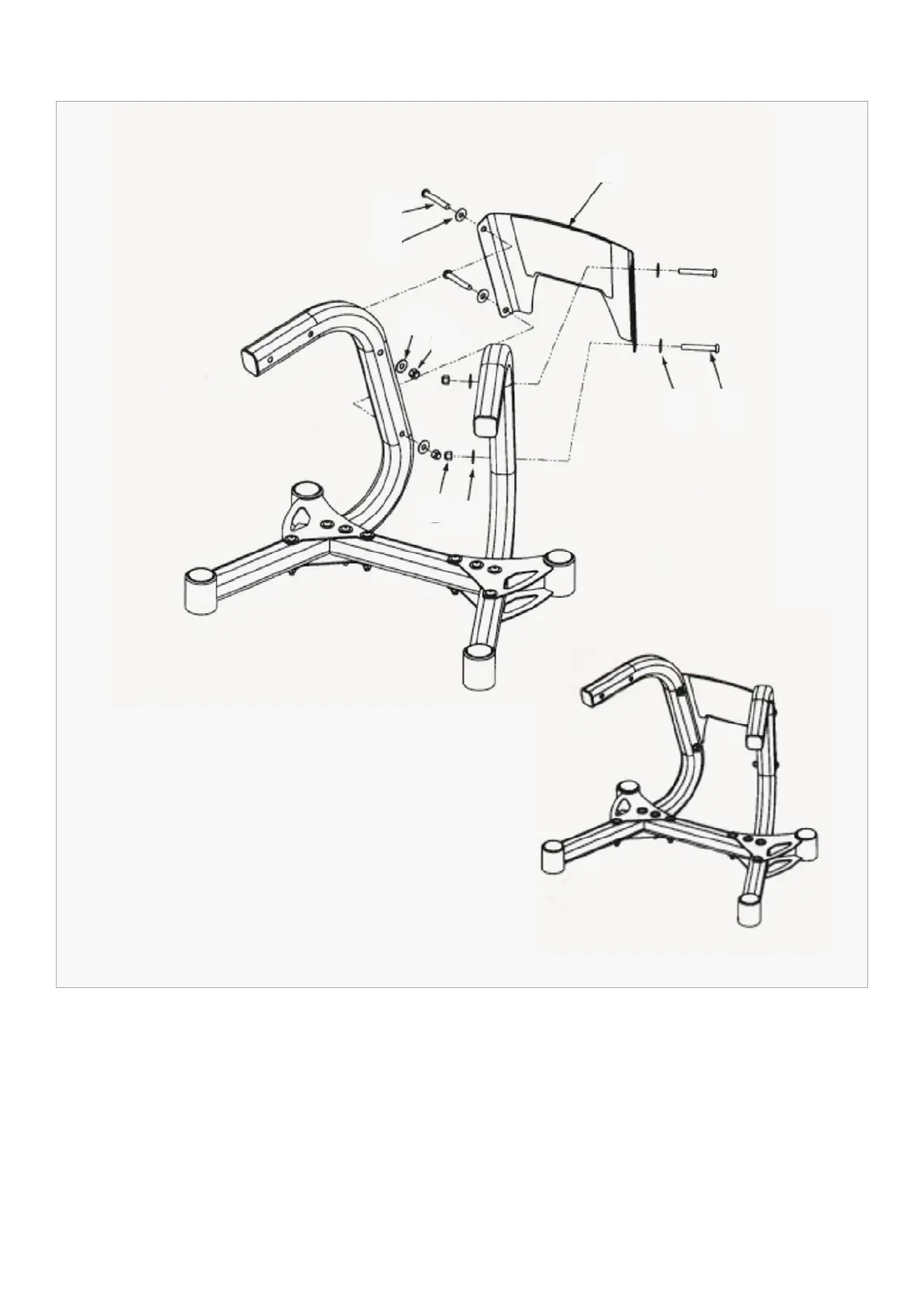
STEP 4
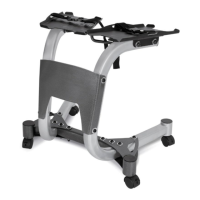
1. Install the Centre Plate (#17) to both Stand Legs (#4) using the bolts shown.
NOTE: Make sure that the Centre Plate edges are on the outer sides of the legs, and that the logo of
the plate is right side up.
2. Tighten all bolts from Steps 1, 2 and 3 securely.
17
14
11
11
11
11
14
10
10


 To Next Page