C3+ IFU - 0723 01140 (70048) UK Page 11 of 18
4.1 Installation of C3+ Cortrium software
Before using the C3+, download and install the software from www.cortrium.com. When the C3+ is
connected to a PC, the device will appear as a Mass Storage Device that can be opened by the
software.
4.2 How to start a recording
Before starting a new recording, make sure that the C3+ is sufficiently charged as described in
section 4.5, and it has been setup for the intended recording using the downloaded software.
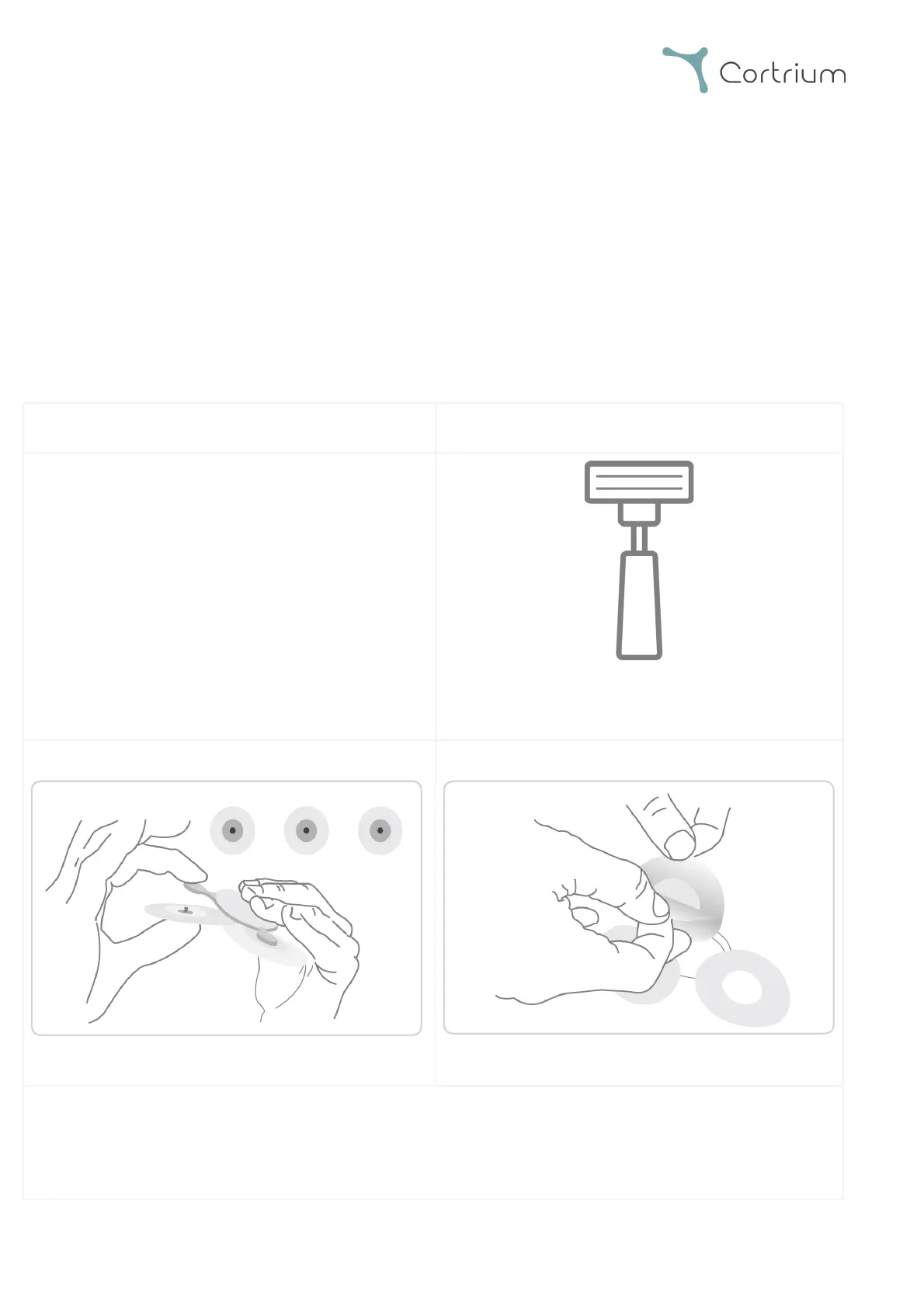
- Shave all hair in the area where the
electrodes will be placed.
- Clean and abrade the skin with a cotton
swab and appropriate alcohol (denat. 80%).
2. Attach electrodes to each electrode connector
3. Remove plastic from electrodes



 To Next Page