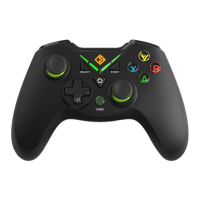
If the dongle and Controller Home button led light is continuously blin-
king it indicates that both are not paired to each other
HOW TO PAIR ARES CONTROLLER
TO THE DONGLE
PAIRING STEPS
1. Plug in the receiver to your PC
2. Press the Home button on the Controller
3. Now press the Home button twice when the lights start blinking
4. Both the LED on dongle and controller will stop blinking
5. The controller is now ready for use


 To Next Page