4
Includes
Wireless Control Deck, Game Console, HDMI Cable, Micro USB Power Cable
WARNING: To ensure safe operation of the product, be sure to read this
Owner’s Manual before use. Keep this Owner’s Manual in a safe place for easy
reference when needed.
Control deck set up
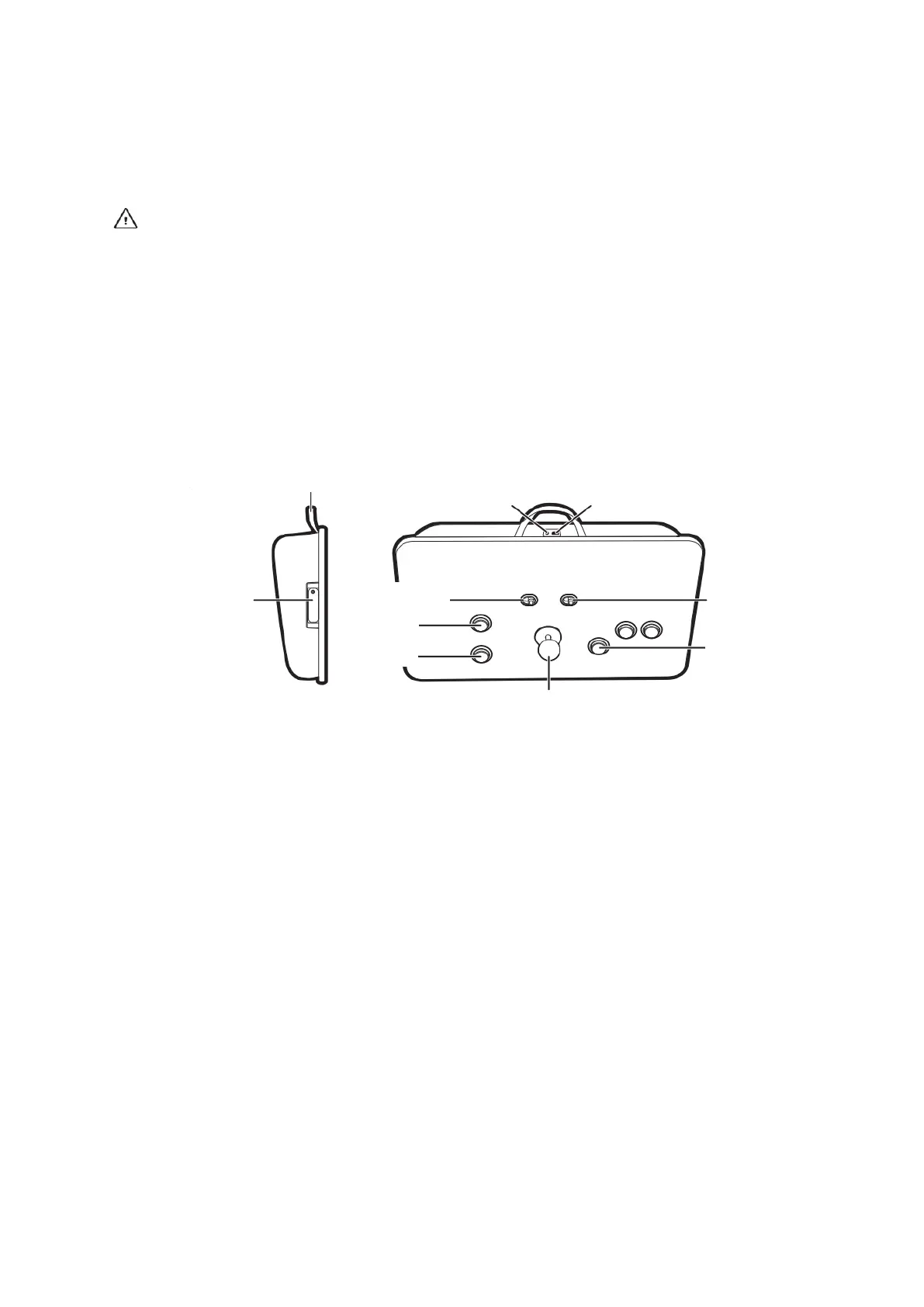
1. Install 4 “AAA” batteries (not included) in the battery compartment on the side of
the Control Deck.
Battery installation
1. Make sure control deck is turned off or in auto off mode.
2. Remove battery box cover by Phillips’s head screwdriver.
3. Insert 4 AAA alkaline batteries in the battery box as illustrated making certain
that negative (-) and positive (+) poles are positioned properly.
4. Replace battery box cover - be sure not to over-tighten the screw.
Warning – battery operated
Battery safety notice:
1. Non-rechargeable batteries are not charged.
2. Rechargeable batteries are to be removed from the device before being charged
(if removable).
3. Rechargeable batteries are only to be charged under adult supervision.
4. Do not mix old and new batteries.



 To Next Page