EasyManua.ls Logo

COUCH CADE PAC-MAN - Troubleshooting; Console Not Turning On; Control Deck Not Turning On

Default Icon
56 pages
Print Icon
To Next Page IconTo Next Page
To Previous Page IconTo Previous Page
Loading...
9
Troubleshooting
PROBLEM
POSSIBLE CAUSE
SOLUTION
Game Console will not
turn ON.
*Game Console is not
turned ON.
*Game Console is not
plugged in via the Micro
USB cable (Included).
*Game Console HDMI is
not connected to TV or on
correct TV input source.
*Press button on top of Game
Console to turn ON.
*Make sure the Game Console is
plugged into a 5V power supply via
the Micro USB cable (Included).
*Make sure the HDMI cable is
connected to your TV and make sure
your TV is on the correct input
source.

Control Deck will not
turn ON.
*No batteries in battery
compartment on Control
Deck.
*Insert batteries 4 “AAA” on side of
Control Deck.
*Replace to new batteries.
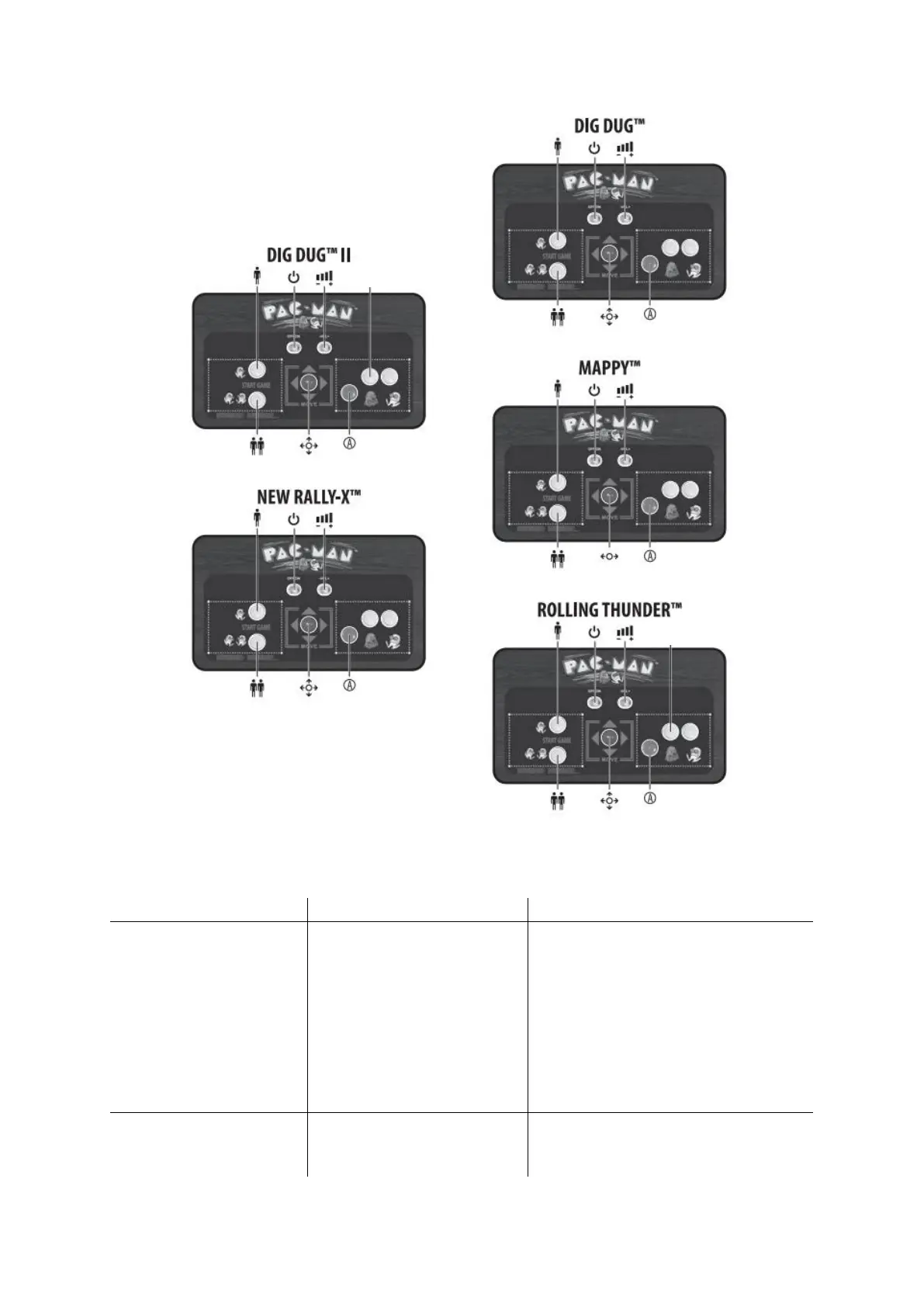
DRILL
JUMP
PUMP
PUMP
SMOKE
SHOOT
DOOR OPEN/CLOSE