Directions for use (V06-07)
Electronic vacuum switch PSA 100 B
Sté COVAL SAS
ZA des Petits Champs
26120 MONTELIER
Tel +33 (0) 4 75 59 91 91
Fax +33 (0) 4 75 59 91 05
http://www.coval.com
e-mail: coval@coval.com
Page 2 / 3
COVAL S.A.S.
ZA des Petits-Champs
26120 Montélier.
France
Tel : 04.75.59.91.91
Fax : 04.75.59.91.05
Email : coval@coval.com
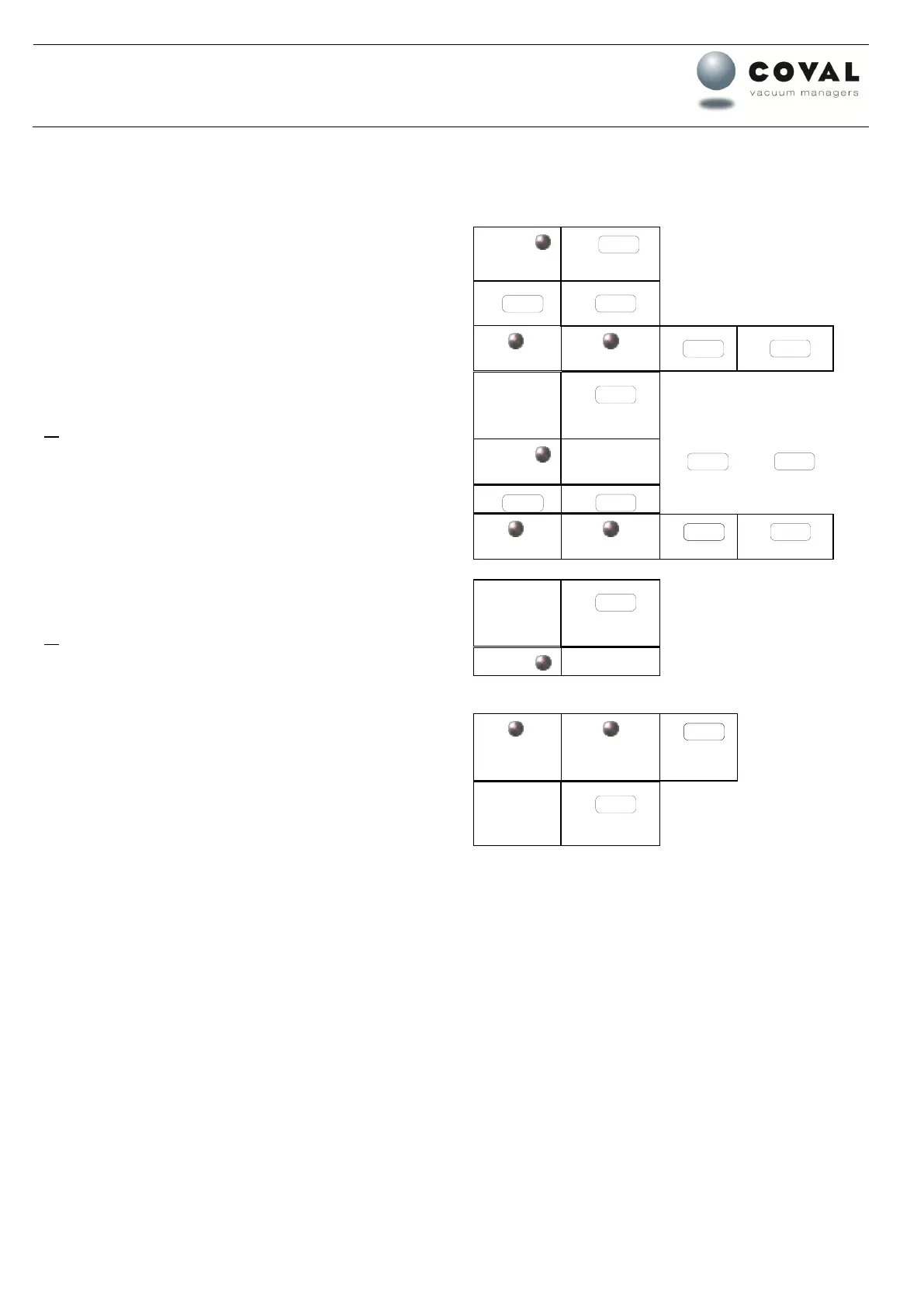
3. Contact output 2 adjustment
Display
The display is alternating between “h2” and the adjusted value.
To adjust the threshold of output 2, push the “mode”
key 2 times quickly.
The display is alternating between “H2” and the adjusted
value.
To change this adjustment, push “+/-” keys to display the
requested value.
After 5 seconds, the chosen value registers automatically and
the screen returns to the vacuum display.
or
To adjust the hysteresis h2, push the mode key.
To change this adjustment, push “+/-” keys until the
requested value is displayed.
After 5 seconds, the chosen value registers automatically and
the screen returns to the vacuum display.
or
To adjust output 2 configuration, push the “mode” key.
To change this adjustment, push “+/-” keys. NO or NC are
displayed. (NO on standard basis).
After 5 seconds, the chosen value registers automatically and
the screen returns to the vacuum display.



 To Next Page
 Loading...