Directions for use (V06-07)
Electronic vacuum switch PSA 100 B
Sté COVAL SAS
ZA des Petits Champs
26120 MONTELIER
Tel +33 (0) 4 75 59 91 91
Fax +33 (0) 4 75 59 91 05
http://www.coval.com
e-mail: coval@coval.com
Page 3 / 3
COVAL S.A.S.
ZA des Petits-Champs
26120 Montélier.
France
Tel : 04.75.59.91.91
Fax : 04.75.59.91.05
Email : coval@coval.com
4. Locking / Unlocking
The locking of the settings guarantees that they cannot be changed
by mistake.
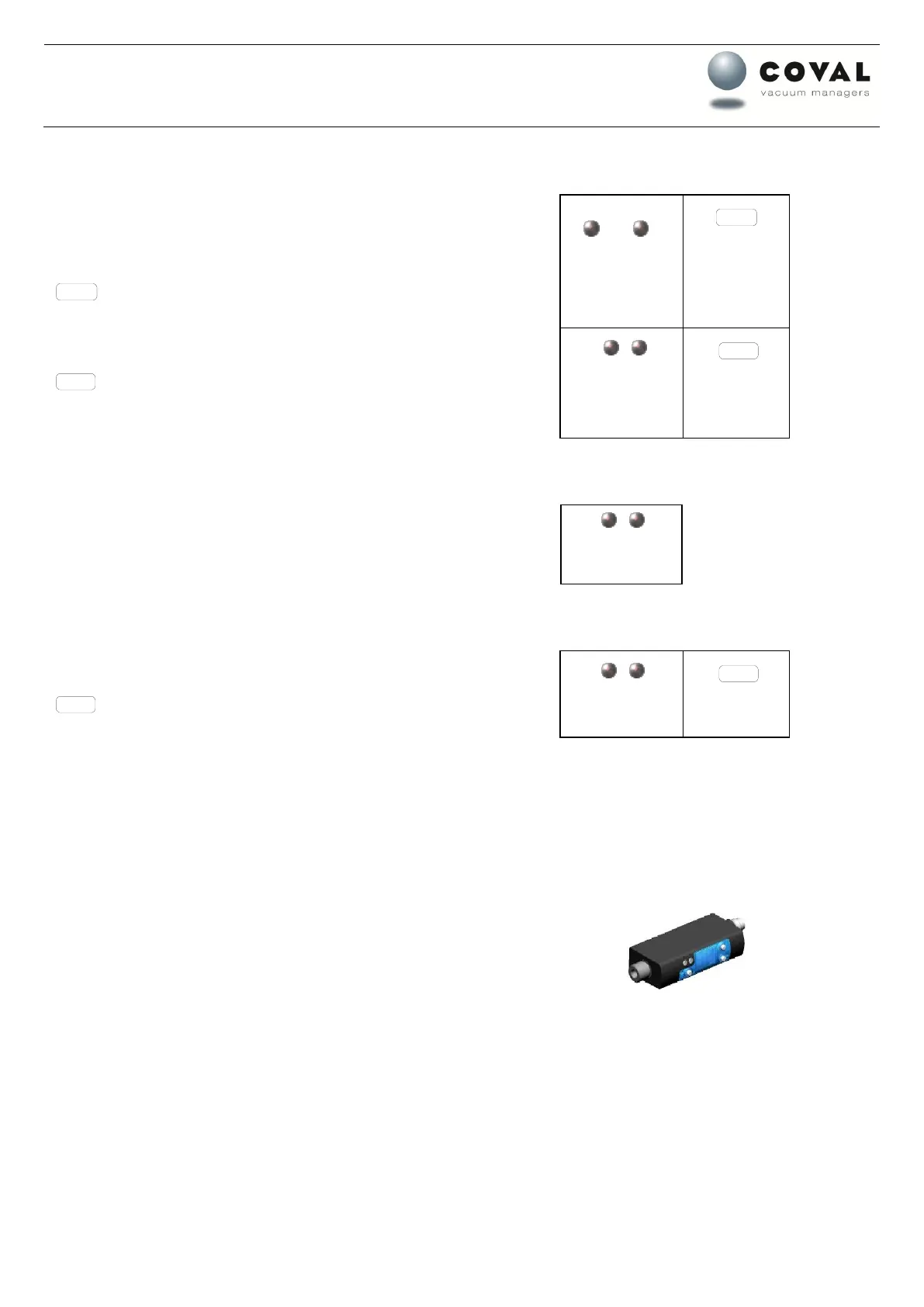
To activate the locking, push simultaneously and during 3 seconds the
“mode” and the “-” keys.
is displayed in order to show that the locking is activated.
To deactivate the locking, push simultaneously and during 3 seconds the
“mode” and the “-” keys.
is displayed in order to show that the locking is deactivated.
5. 180° display rotation
To rotate the display push the “+” and “-” keys during 3 seconds at least.
+ / -
Maintenir au
moins 3 sec.
6. Factory settings
To reprogram the factory settings, push the “mode” and “+” keys during 5
seconds.
7. Preset values
OUTPUT 1:
H1 : 75 h1 : 10 Output 1: NO
Vacum threshold for regulation
output 1 = 1 if measured value > 65 (75 H1 - 10 h1 (hysteresis)
OUTPUT 2:
H2 : 0.65 h2 : 0.10 Output 2: NO
Vacuum threshold for information (to automaton)
output 2 = 1 if measured value > 55 (65 H2 - 10 h2 (hysteresis)
8. Mounting
Manual mounting of the component.
DO NOT USE ANY TOOL.



 To Previous Page
 Loading...