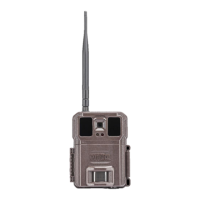
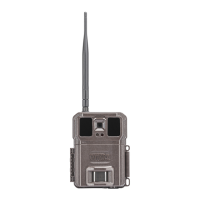
Congratulations on your purchase of the MP9 Covert Scouting Camera! We
truly value your business and will strive to provide you top quality customer
service should you ever need help with any of our products. Check out our
other products on our website at
www.covertscoutingcameras.com
COVERT SCOUTING CAMERAS
1451 Bowling Green Rd.
Russellville, KY 42276
Technical Support Customer Service
www.feradyne.com/contact Toll Free: (270) 743-1515
What You Will Need to Setup the Camera
●
4 AA Batteries
●
1 8GB SD Card (up to 32GB)
Installing the Batteries
The MP9 functions on 4 AA batteries. Install the batteries by sliding them
into each of the 4 battery sleeves. Depress the spring with the negative
terminal and snap into place. Pay
attention to the battery diagram molded into
each sleeve to ensure you are
placing them properly into the unit. The
negative terminal (flat end) will always contact the spring.
Installing the SD Card
Prior to powering up your camera, install a Covert SD card in the slot on the
side of the camera. Push the card into the card slot until it clicks and release.


 To Next Page