To remove, repeat that process, and the card will pop out enough to remove.
You can use any size SD card up to 32GB. See next page for SD card
Orientation.
Quick Setup
1.
Install the batteries and SD Card
2.
Switch the camera to AIM
3.
Go through the prompted settings screens
4.
Mount the camera
5.
Switch the camera to ON – there will be a 10 second countdown followed
by a blank screen.
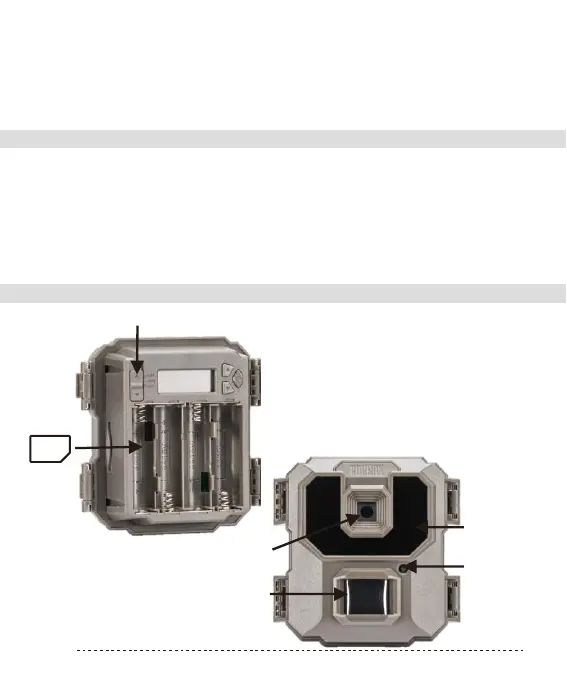
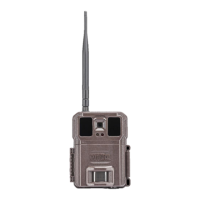
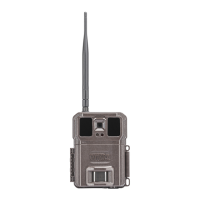
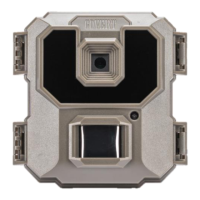
Camera Information Diagram
Three Position ON/OF
SD
Card
Camera Lens
PIR Sensor
IR Flash
Caution LED
P4


 To Next Page