125
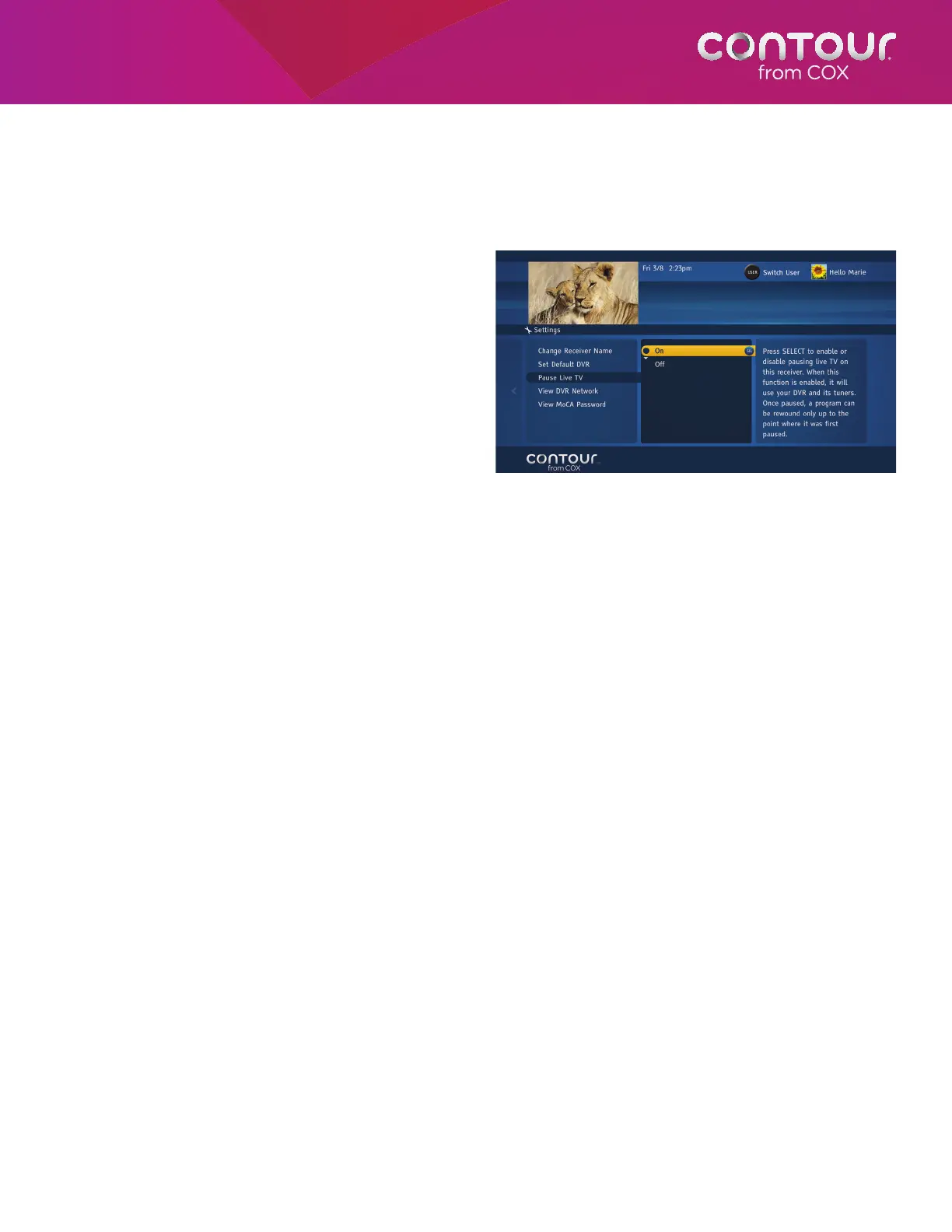
Turn Pause Live TV On or Off
With the latest software upgrade from Cox, you can now pause live TV on your non-DVR receiver. Once a program is
paused, you can also perform fast-forward, rewind, instant replay etc. on the program.
To turn Pause Live TV On or Off, begin at the Receivers Menu:
1. Press the RIGHT arrow or SELECT button
to open the Receivers Menu in the
center card.
2. Use the DOWN arrow to highlight DVR
Network and press SELECT or RIGHT arrow.
A DVR Network Menu will display in the
center card.
3. Use the DOWN arrow to highlight Pause
Live TV and press SELECT or RIGHT arrow
to open up the Menu to display On or Off
in the center card.
4. Using UP/DOWN arrows, highlight On or
Off and press SELECT to make the change.
A Note About Pause Live TV
The option to turn on and off pausing live TV is only available on non-DVR receivers. Pausing live TV is always available
on DVR receivers.
You can turn On or Off Pause Live TV
functionality in the Settings Menu.



 To Next Page