77
Listen to Music
Once you have created stations, you are just a click
away from personalized radio. To listen to music
on your Contour receiver, begin at the Pandora
application.
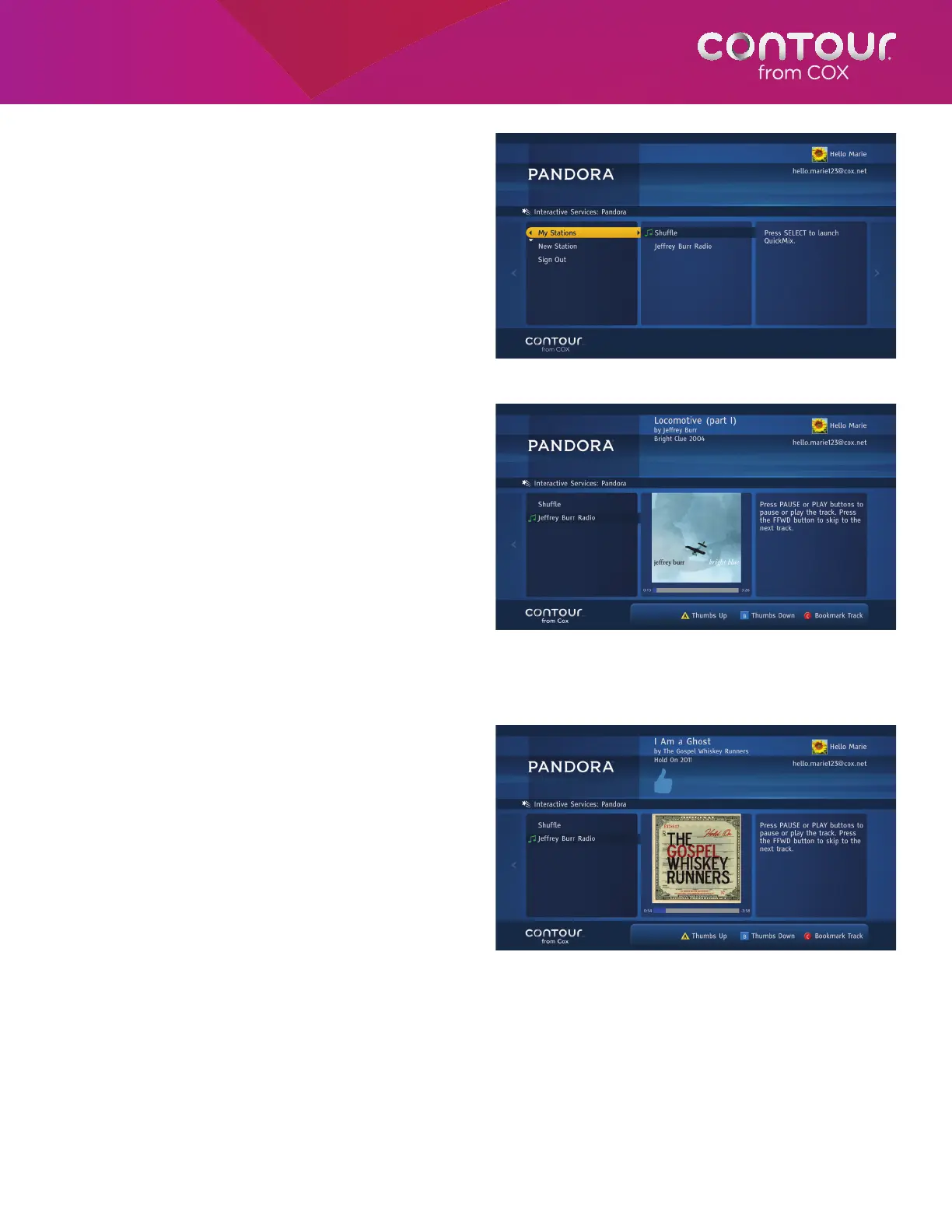
1. Use the UP or DOWN arrow to highlight My
Stations and press SELECT or RIGHT arrow.
The highlight bar will move to Stations card.
2. Use the UP or DOWN arrow to highlight the
station and press SELECT. The selected
station will begin playing tracks. To hear a
mix of music from all stations, select Quick
Mix station at the top of your station list.
3. While the track is playing, use PAUSE or
PLAY buttons to pause or play the track.
Use FFWD button to skip to the next track.
Give Thumbs Up or Down
Giving a “thumbs up” tells Pandora “you like this
track” and helps to bring in more tracks like it to
your station. Clicking “thumbs down” tells Pandora
not to play that track. To give a thumbs up to a
track, press the A button on the remote control. To
give thumbs down to a track, press the B button on
the remote control. A thumbs up or down icon will
appear in the track description displayed at the top
of the screen.
To listen to music on Pandora, highlight My
Stations to browse through a station list.
Press SELECT to launch the station.
Press A or B buttons to give a track thumbs up or down.



 To Next Page