20
CONTROLLING WHAT YOUR KIDS
CAN WATCH (CONTINUED)
After turning on Parental Controls, you have a number of dierent
ways to restrict access to TV programs, including by channel, by
rating and by content advisories.
Customizing Parental Control Settings
Press
to display the Menu
Use
to highlight “Settings.” Press
“Parental Controls” will now be highlighted. Press
“Parental Locks” will now be highlighted. Press
Use
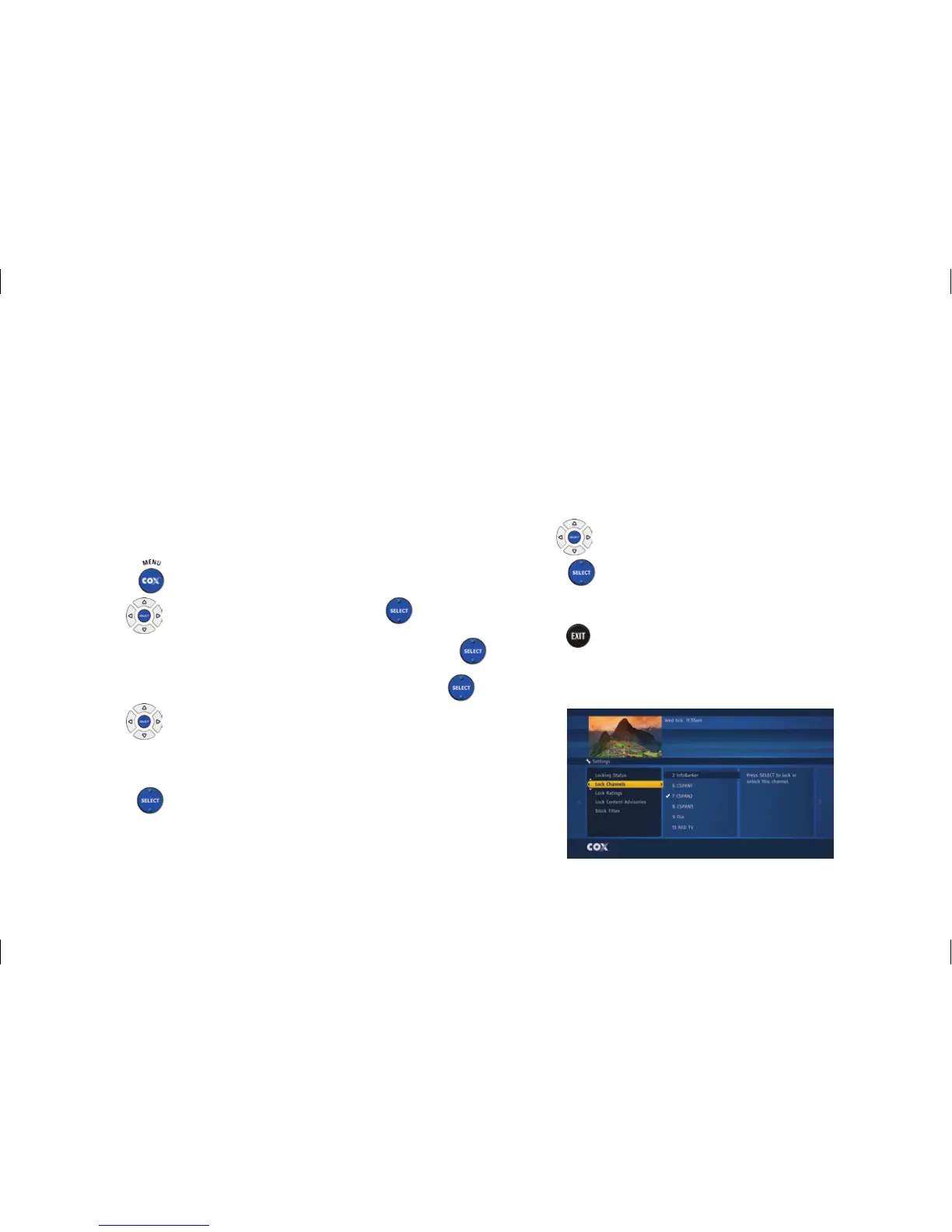
to highlight a category, such as “Lock
Channels” or “Lock Ratings.” All of the category
options are displayed in the center column
Press
to highlight the first category option in the
center column
Use
to highlight an option
Press
to lock or unlock
The Parental Control setting is now customized
Press
to close “Settings” or press the
left arrow button to return to the previously
selected category
CCI140122_User_Guide 20 8/6/14 3:29 PM



 To Next Page