©Cradlepoint. All Rights Reserved. | +1.855.813.3385 | cradlepoint.com
5
Vehicle Installation Guide / COR IBR9x0, IBR11x0, IBR1700
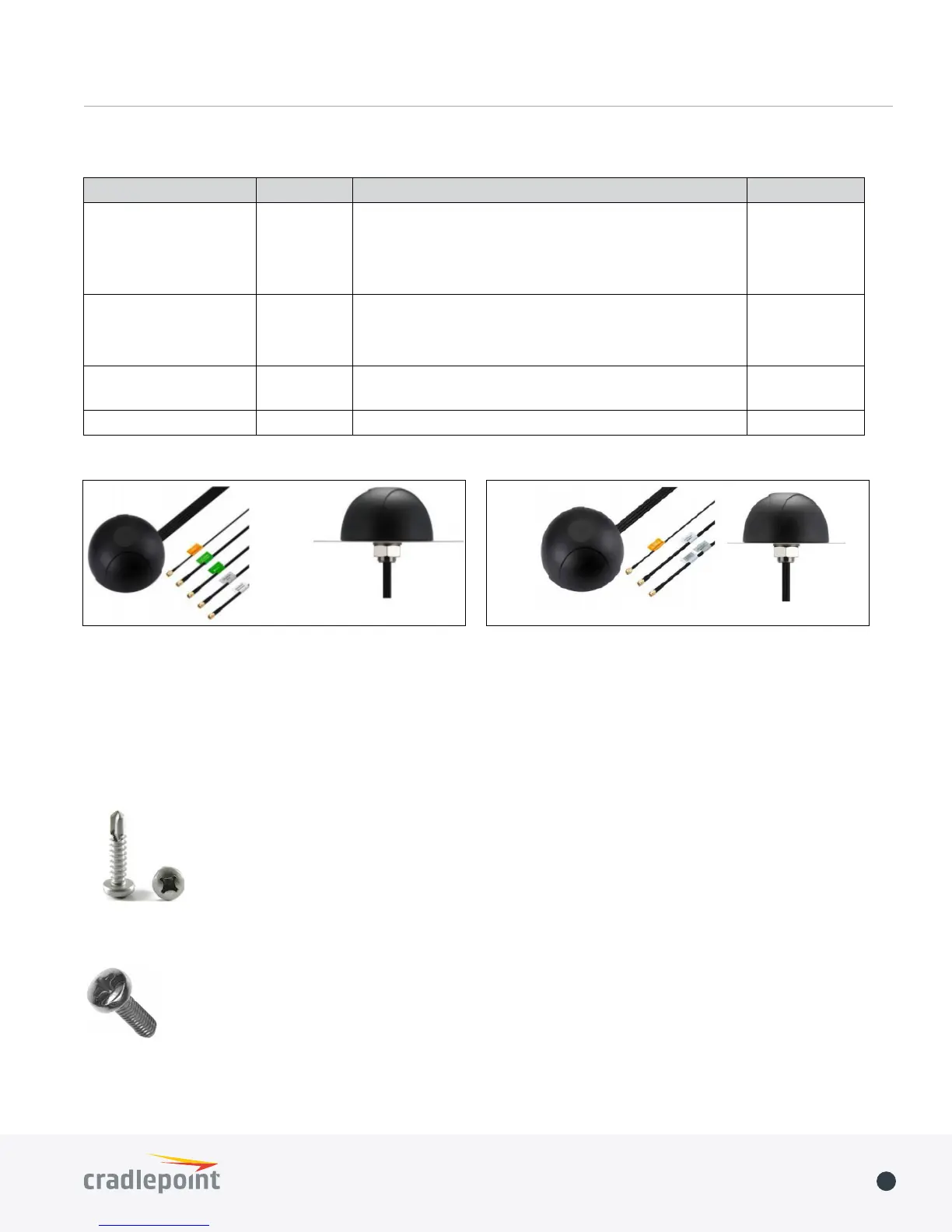
Part # 170654-000 Part # 170653-000
Mounting
The mobile routers include four integrated mounting holes for secure mounting. We recommend the following
mounting screws:
+ For sheet metal installation, use #8 self-drilling screws.
+ For tapped holes, use M4 machine screws.
To mount the COR IBR900/950 with the optional COR Extensibility Dock or the IBR1100/1150 with the optional Dual-
Modem Dock, refer to the Quick Start Guides: COR Extensibility Dock & Dual-Modem Dock.
Vehicle Antenna Options
Antenna Type Mounting Recommended Antenna Part #
Modem, WiFi & GPS Screw 5-in-1 Screw-mount antenna (includes 3M cables)
• two 3G/4G modem
• two 2.4/5 GHz WiFi
• one GPS-GLONASS
170654-000
Modem & GPS Screw 3-in-1 Screw-mount antenna (includes 3M cables)
• two 3G/4G modem
• one GPS-GLONASS
170653-000
GPS Magnet GPS-GLONASS magnetic-mount antenna (includes 3M
cable)
170652-000
GPS Screw GPS-GLONASS Screw-mount antenna (includes 3M cable) 170651-000















 To Previous Page