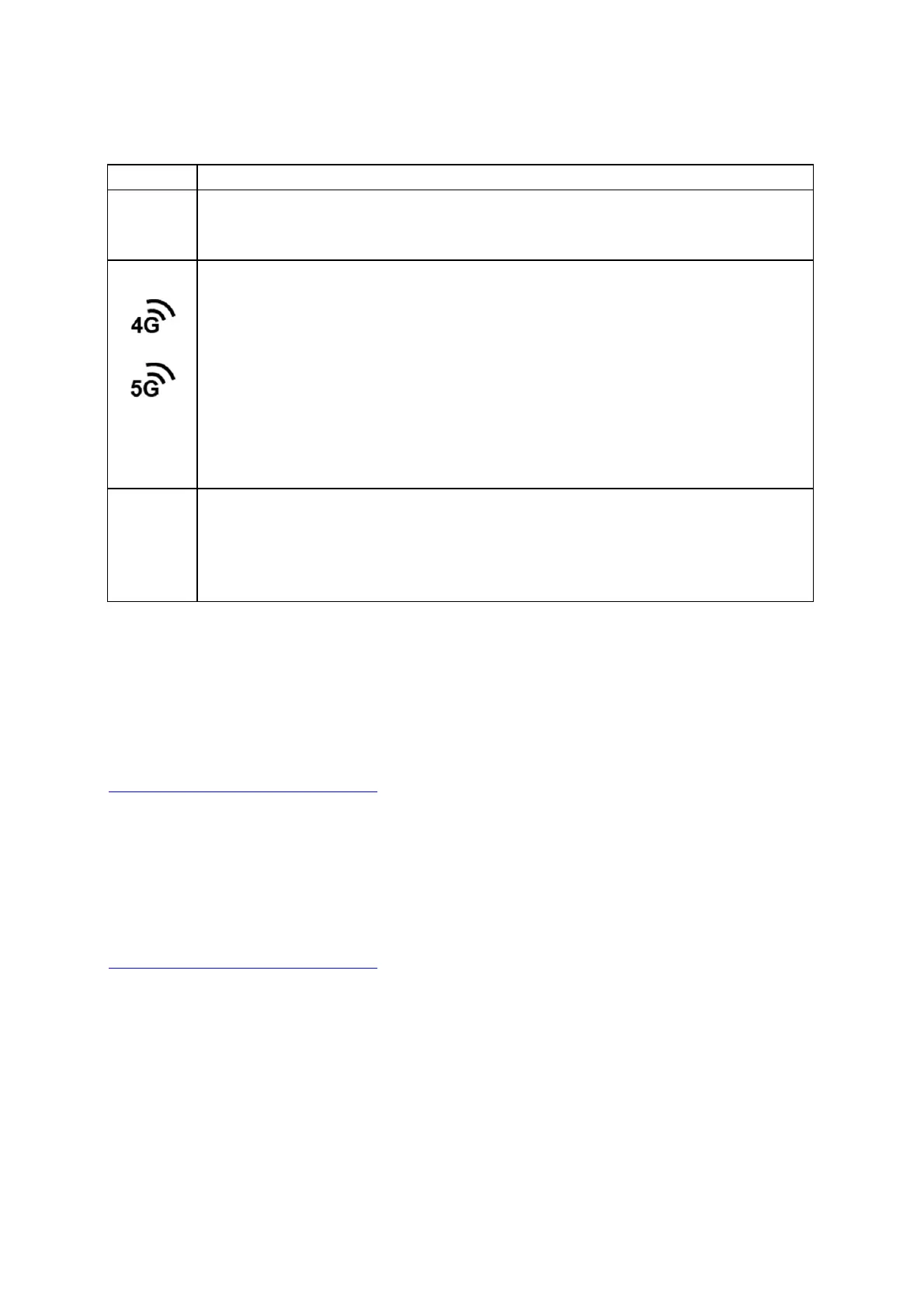
INDICATORBEHAVIOR
4BlinkingBars=SIMdoorisnotinstalled,modemisoff.
EMBEDDEDMODEM:Indicatesinformationabouttheembeddedmodem.
Green=Modemhasestablishedanactiveconnection.
BlinkingGreen=Modemisconnecting.
Amber=Modemisnotactive.
BlinkingAmber=Dataconnectionerror.Nomodemconnectionpossible.
BlinkingRed=Modemisintheprocessofreset
ting.
BlinkingRedwithSignalStrengthLEDs=SIMdoorisnotinstalled,modemisoff.
NoLight=Modemnotconnected.
Other
ADDITIONALLEDINDICATIONS
ThewhitelightsalongthebaseoftheendpointandtheCPlogoonthetopfaceofthe
devicelightupwhenthedeviceisconnectedtoaregisteredNCMaccount.
Connecting to NetCloud
ActivateyourdevicethroughNetCloudManager(NCM).YourdeviceispackagedwithNetCloudservices
andactivationrequiresthatyoulogintoyourNetCloudaccount.Refertothefollowingformore
information:
GettingStartedwithNetCloudManager
Troubleshooting
Ifthedevicetakeslongerthan5minutestoconnecttotheInternet,youmayneed tologintothelocal
UIofthedevicetomakeconfigurationchangesor tostartthetroubleshootingprocess.Youmustbe
physicallyco‐locatedwiththedeviceinordertodothis.Refertoth
efollowingdocumentforadditional
help:
HowtoTroubleshootConne ction Issues
OncethedeviceconnectstotheInternet,itshouldthenconnect toyourNetCloudManager accountand
startitsconfigurationdownload.
Resources
E3000‐C18BSpecSheet














 To Next Page