KNOWYOUR LEVEL cont.
NOTE: Before attempting to use your level, familiarize yourself with all
of the operating features and safety requirements.
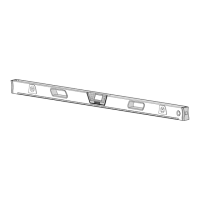
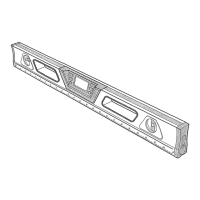
This Craftsman 24-inch Digital Level is a highly versatile leveling tool designed for fast,
easy operation.
Heavy-duty, lightweight aluminum construction, with the LCD digital module constructed
of unbreakable ABS polymer that's sealed against dirt and water, and the toughest
acrylic block bubble vials and solid-state laser components all add up to on-the-job
durability and long, dependable service.
Use the digital LCD readout for ail your angle measurements and layout jobs,
such as roof pitches, saw cut angles and drainage slopes.
Use the Laser Trac TM laser beam to extend a visual leveling line over distances
much greater than a traditional bubble vial beam level.
Use the level manually, hand held, or mounted on a Craftsman tripod 9-00000
(sold separately)
Use the digital level inside or outside to measure pitch in inches of rise per foot of run.
Measure any angle in degrees with up to 02 ° accuracy°
Measure any slope in percent.o.measure level and plumb with either the LCD digital
display or with the vertical and horizontal bubble vials
NOTE: Install 2 "AAA" 1,5-volt batteries (sold separately) to power both the
LCD module display and the LaserTrac TM laser beam features of this digital
level. See Battery Installation on page 0.
2_
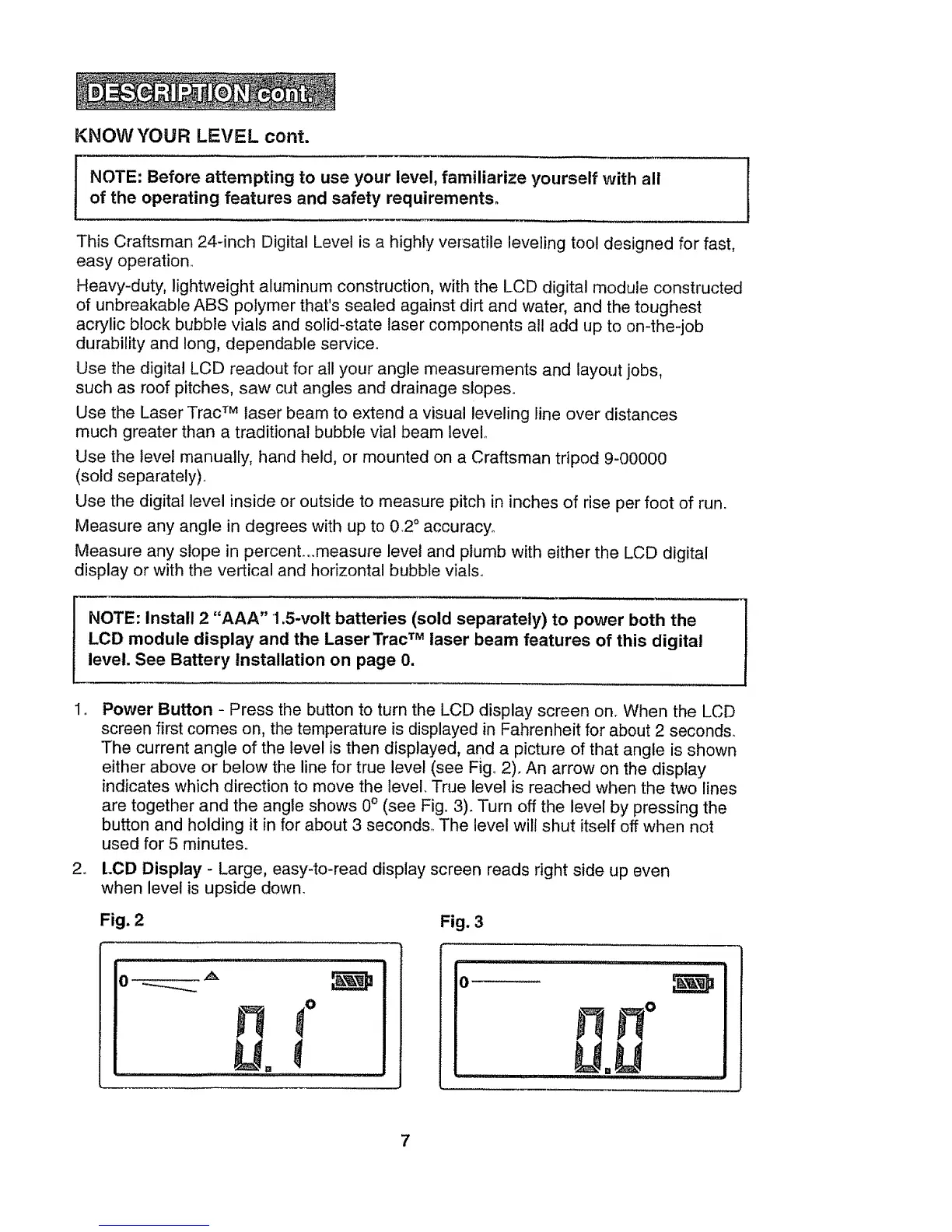
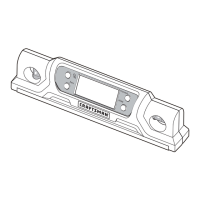
Power Button - Press the button to turn the LCD display screen on. When the LCD
screen first comes on, the temperature is displayed in Fahrenheit for about 2 seconds_
The current angle of the level is then displayed, and a picture of that angle is shown
either above or below the line for true level (see Fig. 2). An arrow on the display
indicates which direction to move the level. True level is reached when the two lines
are together and the angle shows 0° (see Fig, 3). Turn off the level by pressing the
button and holding it in for about 3 seconds, The level will shut itself off when not
used for 5 minutes_
LCD Display - Large, easy-to-read display screen reads right side up even
when level is upside down.
Fig. 2 Fig. 3
0
ii
o
L .U
,i lllP i
7


 To Next Page