LCD SCREEN ICONS
o ---ti' Up/Down indicator - The zero line (0°) indicates the level position°
_" The arrow indicates the current angle's position, either up or down away
from the level (0°)_
Battery Power Icon - Indicates the amount of battery power in the unit,.
Replace batteries when the black power bar disappear&
Sound / Beeper Icon - This icon appears on the screen when the
beeper function is activated.
N/I
Memory Icon - This icon shows when the memory function is being
used_ Level can recall the last nine saved measurements.
Recommended Use Indoors or Outdoors
Laser Class Class Ilia, Max. output power s 2.5 mW
Power Supply Two "AAA" 1°5-volt batteries
Angle Measuring Range 0° to 360 °
Optimum Operating Temperature 0° to 40°C (32 to 104°F)
Accuracy of vials __.0.029"(level or plumb)
Accuracy of digital display +-0..1°
Estimated Battery Life 10 hours with alkaline batteries
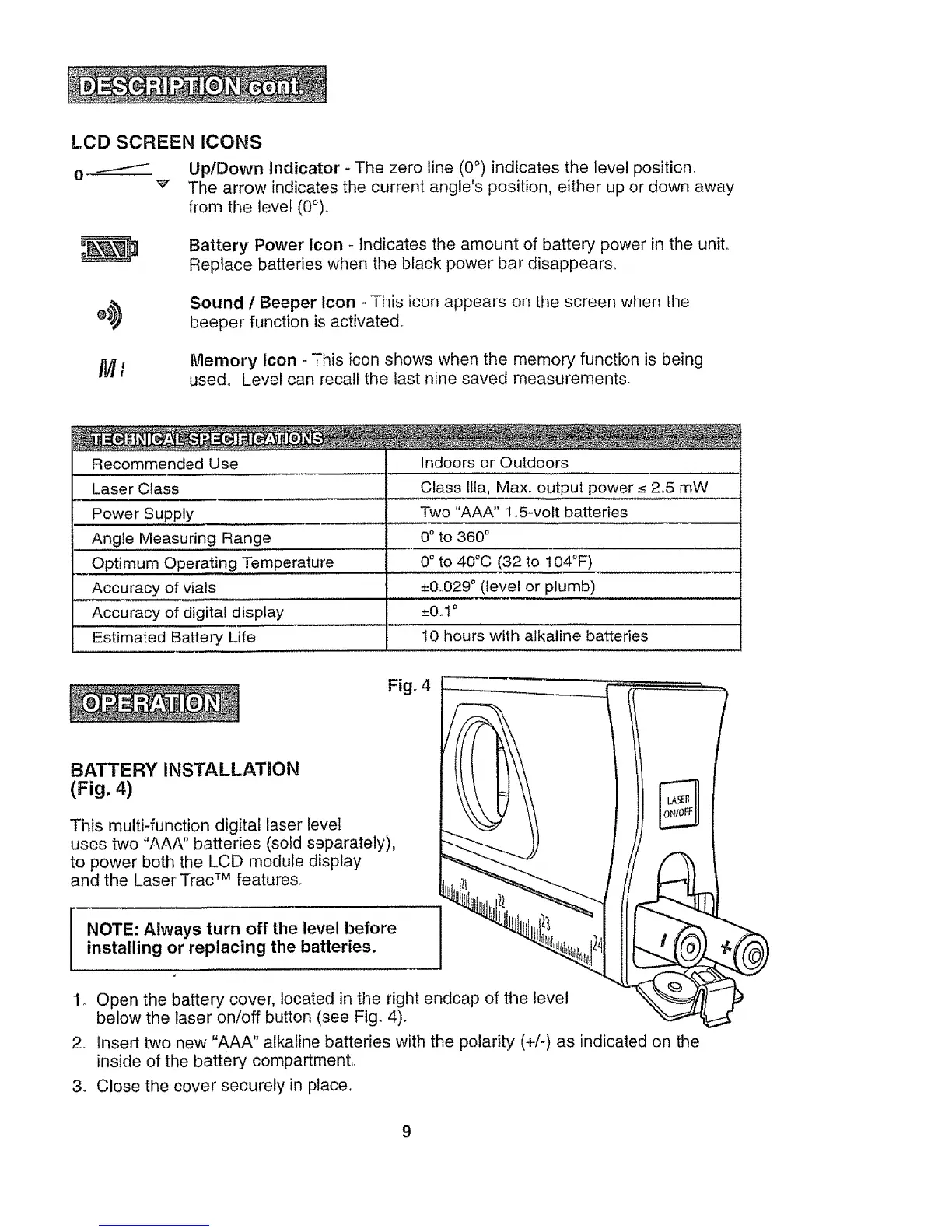
Fig. 4
BATTERY INSTALLATION
(Fig. 4)
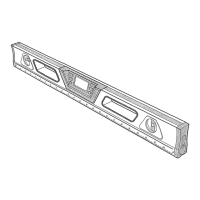
This multi-function digital laser level
uses two "AAA" batteries (sold separately),
to power both the LCD module display
and the Laser Trac TM features.
NOTE: Always turn off the level before
installing or replacing the batteries.
1o Open the battery cover, located in the right endcap of the level
below the laser on/off button (see Fig. 4).
2. Insert two new "AAA" alkaline batteries with the polarity (+/-) as indicated on the
inside of the battery compartment,.
3. Close the cover securely in place,
9


 To Next Page