17
CONTACT TEMPERATURE MEASUREMENTS
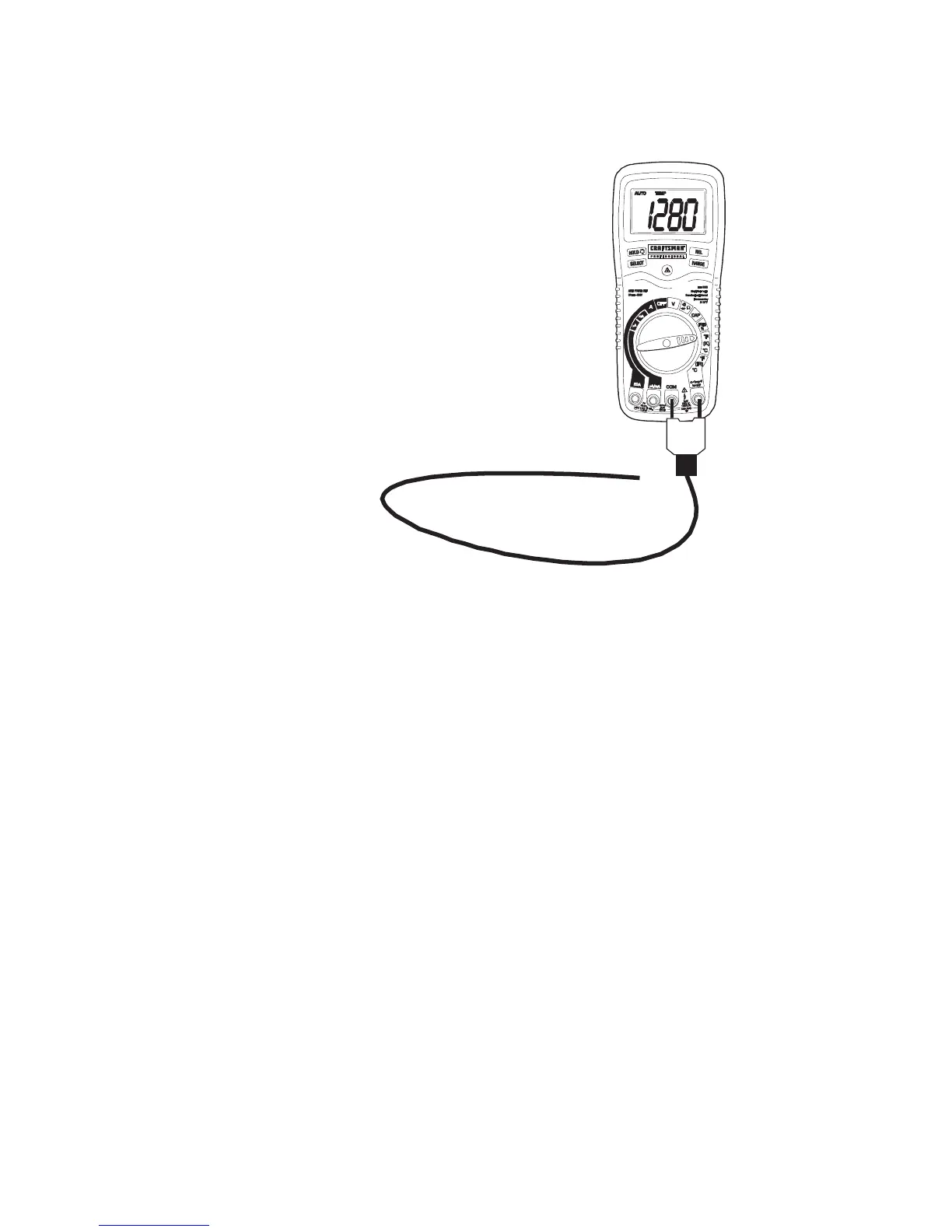
1. Set the function switch to the (K) ºF or ºC position.
2. Insert the
Temperature Probe
into the input jacks,
making sure to
observe the correct
polarity.
3. Touch the
Temperature Probe
head to the part
whose temperature
you wish to
measure. Keep the
probe touching the
part under test until
the reading
stabilizes (about 30
seconds).
4. Read the
temperature in the display.
Note: The temperature probe is fitted with a type K mini connector.
A mini connector to banana connector adaptor is supplied
for connection to the input banana jacks.


 To Next Page