19
RELATIVE MODE
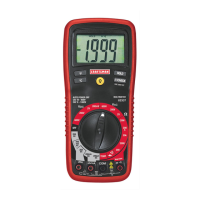
The relative measurement feature allows you to make
measurements relative to a stored zero reference value. A
reference voltage, current, etc. can be stored and
measurements made in comparison to that value. The
displayed value is the difference between the reference
value and the measured value.
1.Perform the measurement as described in the operating
instructions.
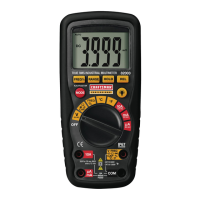
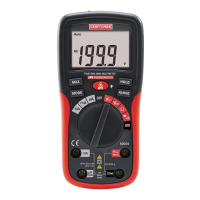
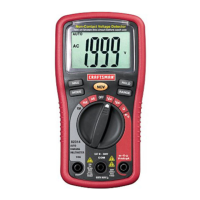
2.Press the REL button to store (zero) the reading in the
display and the "REL" indicator will appear on the display.
3.The display will now indicate the difference between the
stored value and the measured value.
4.Press the REL button to exit the relative mode.
Note: The Relative function does not operate in the
Frequency function.
DISPLAY BACKLIGHT
Press the backlight button for >2 second to turn on.
Press the button again to turn the backlight off.
HOLD
The hold function freezes the reading in the display. Press
the
HOLD
key momentarily to activate or to exit the
HOLD
function.
AUTO POWER OFF
The auto off feature will turn the meter off after 30 minutes.
To disable the auto power off feature, hold down the MODE
button and turn the meter on.
LOW BATTERY INDICATION
The icon will appear in the display when the battery
voltage becomes low. Replace the battery when this
appears.


 To Next Page