SETTING THE MENU
SETTING THE EQ-(MUSIC PLAYER ONLY)
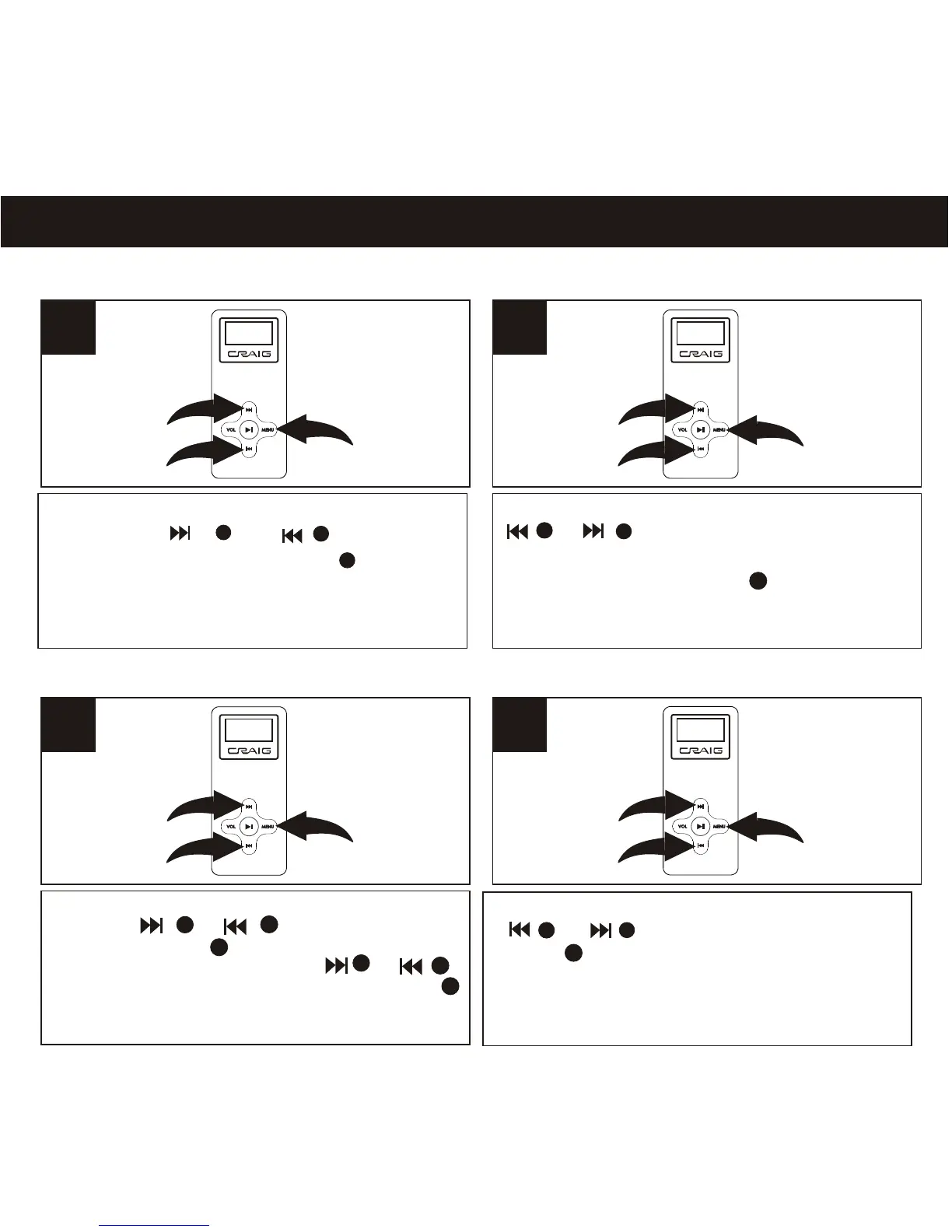
Enter to menu as page 12. Select EQ
using the or button, then
press the MENU button again to
select it.
3
2
1
1
18
Select the desired EQ mode using the
or buttons (NORMAL, ROCK,
JAZZ, CLASSIC, POP, DDB ). Press and
hold the MENU button one second to
saving the setting and return to normal
playback mode.
asde
2
1
2
SETTING THE CONTRAST
2
1
Enter to menu as page 12. Select SYSTEM
using the or button, then
press the MENU button again to select it .
Select CONTRAST using the or
button, then press the MENU button
again to select it.
3
2
1
Adjust the Contrast as desired using the
or button. Press and hold the
MENU button one second to saving
the setting and return to normal playback
mode.
abcde
1
2
1
2
3
3
1
2
3
1
2
3
3
1
2
3
2
3
1



 To Next Page