Slow motion playback:
GOTO
To playback the desired title and chapter, press the GOTO Button once, the Title and Chapter selection on menu
Repeat Playback:
During playback, press the REPEAT Button once; “ ” will appear on the screen then the current
chapter will be playback repeatedly and continuously.
Press the REPEAT Title ” will appear on the screen then the current title will be playback
repeatedly and continuously.
Press the REPEAT
A-B Repeat Playback:
During Playback, press the A-B Button to define where you want the section to start. Press the A-B Button again
to define where you would like the section to end, the player will then play the selected section repeatedly and
continuously. Press the A-B Button again to resume normal playback.
Note: This function is not available on all discs.
OPERATIONS
-12-
To playback the desired title and establish time, press the GOTO Button twice, the title and establish time
establish time. The player will
chapter and establish time. The player will start playback the selected
To playback the desired chapter and establish time, press the GOTO Button three times, the chapter and
chapter at the selected establish time.
Chapter
Button twice; “
Button three times “
All
disc will be playback repeatedly and continuously.
” will appear on the screen then the all the files on the current
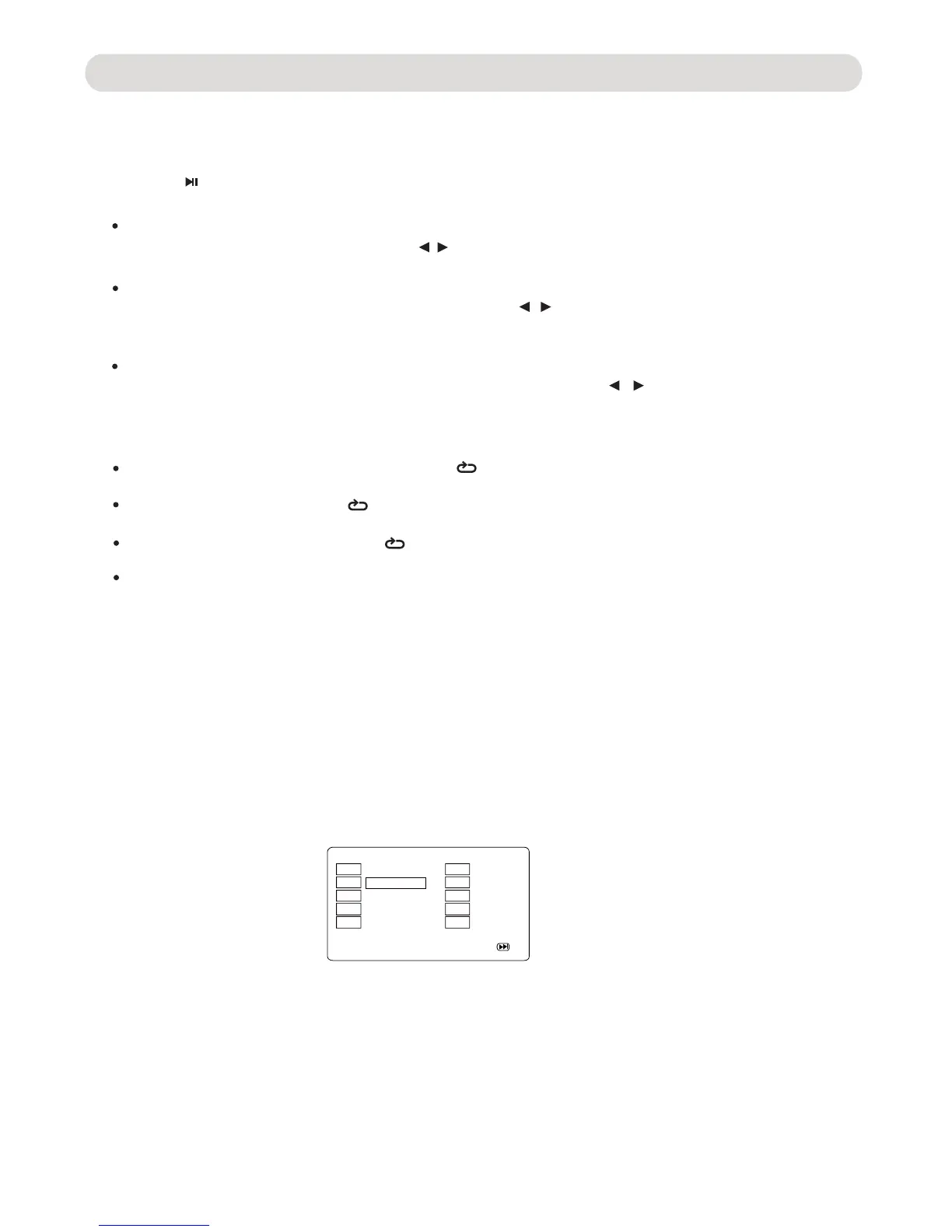
352* Button. The Program menu will appear as follows:
1
2
3
4
5
TT:02 CH: 01
TT: CH:
TT: CH:
TT: CH:
TT: CH:
6
7
8
9
10
TT: CH:
TT: CH:
TT: CH:
TT: CH:
TT: CH:
Exit
NEXTStart
press the
( Program )
Using the Direction and Numeric Buttons to select and set the desired TT (Title),
After setting, using the Direction Button to select and highlight the " Start " Button on the
screen then press the ENTER
Button to start program playback.
During DVD playback,
CH (Chapters)
of the movie.
(During setting, press the "CLEAR" Button to clear the incorrect input).
Subtitle:
Press the SUBTITLE Button repeatedly to select the subtitle language or turned the subtitle menu off. This function is
not available on all discs.
During playback, press the SLOW Button repeatedly to set the speed and playback the video in slow motion.
Press the Play/Pause Button to resume normal playback.
will appear on the screen. Using the Direction / Button or numeric buttons to select or enter the number
of desired title and chapter. The player will start playback the selected chapter automatically.
selection menu will appear on the screen. Using the Direction / Button or numerice buttons to select or enter
the number of desired title and
start playback the selected title at the selected
establish time.
establish time selection menu will appear on the screen. Using the Direction / Button or numeric buttons to
select or enter the number of desired
To cancel, press the REPEAT Button repeatedly until all the repeat icons disappears on the screen.
CONTROLS:
PROG ( Program ):



 To Next Page