OPERATOR’S MANUAL
28
SECTION 1
BAR CODE READER INITIAL SETUP
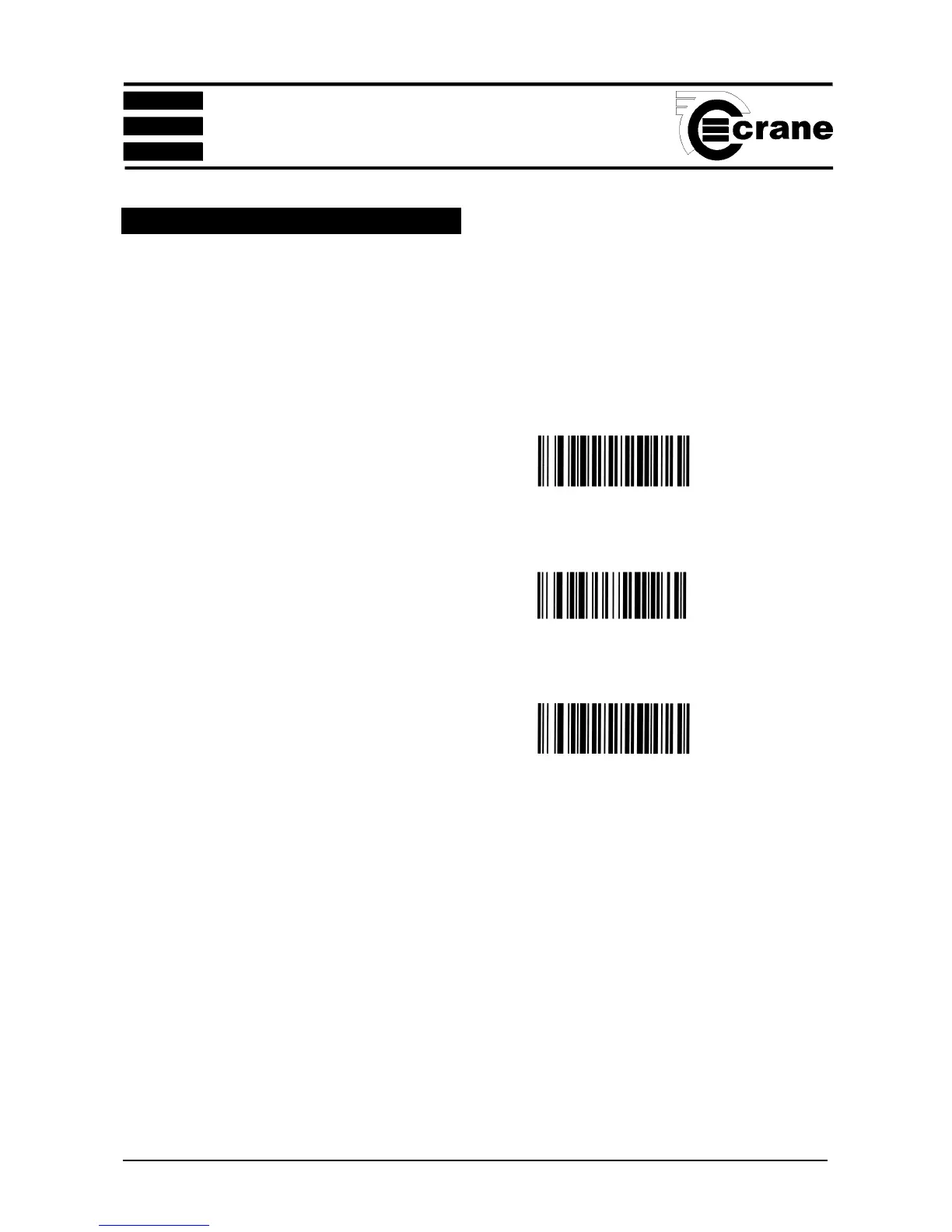
These bar codes must be scanned in this order to initialise
the reader before first use.
SET -----------------------------------------------
DISABLE LABEL I.D. CONTROL --------------------
END ------------------------------------------------



 To Next Page