How it works:
To scan the QR code, all you need is a smartphone with a QR code reader installed on it
and an Internet connection.* Generally, you can find a free QR code reader in the App
store for your smartphone.
Try now
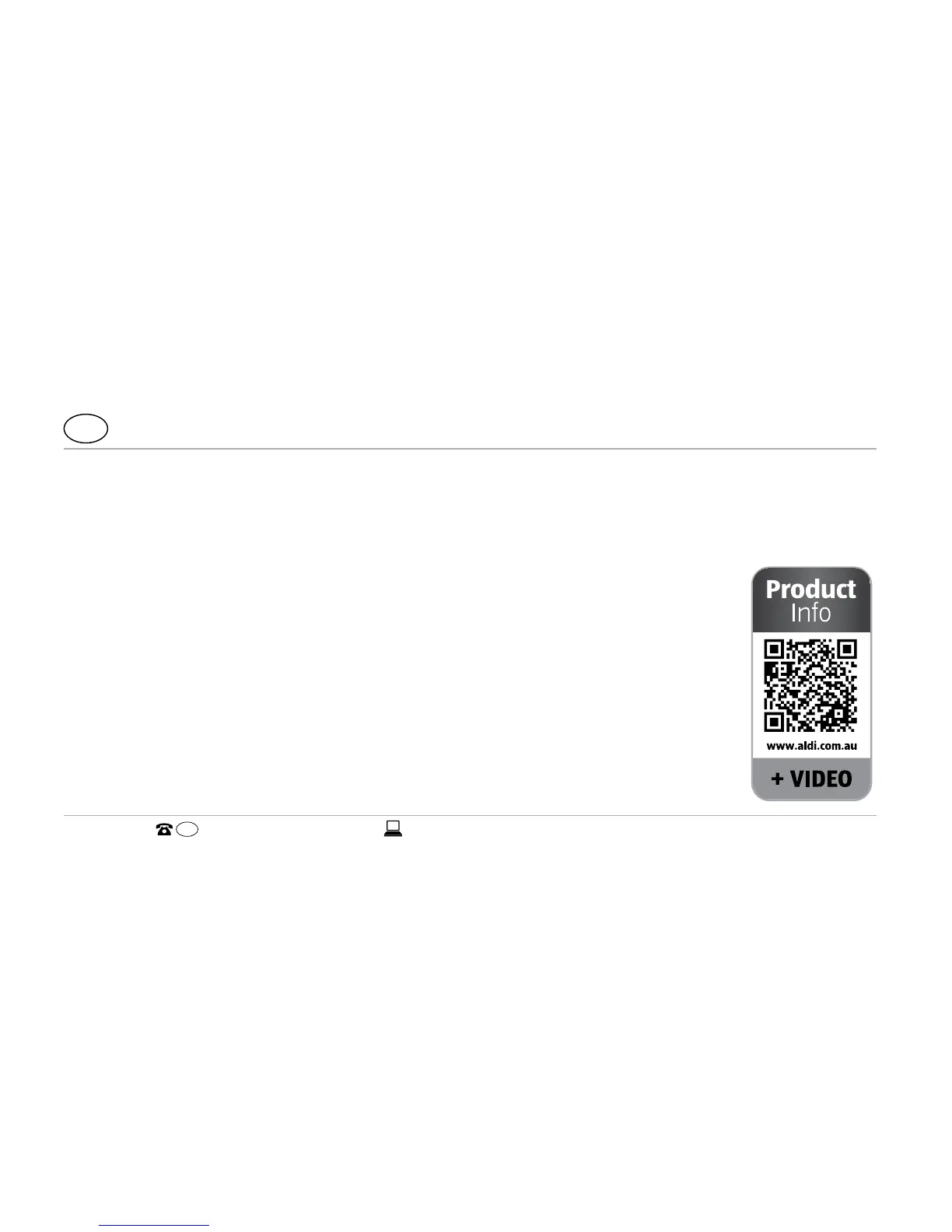
Just scan the QR code below with your smartphone to learn more about
the Hofer product you purchased.*
* When running the QR code reader, costs for the Internet connection may
be incurred depending on your rate.



 To Next Page