EasyManua.ls Logo

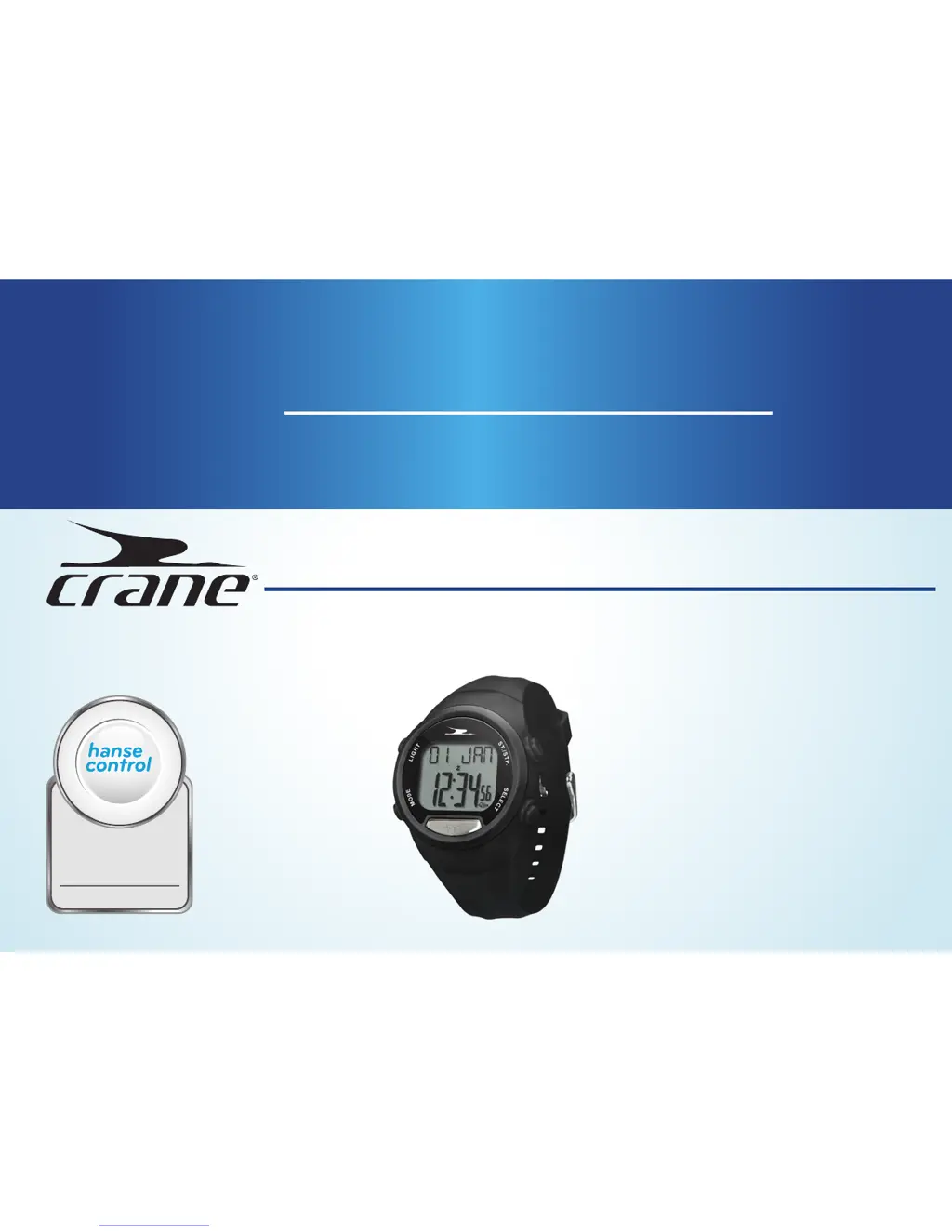
Crane PULSE WATCH - User Manual

Crane PULSE WATCH
185 pages
Print Icon
To Next Page IconTo Next Page
Loading...
User Guide
Manual del usuario
PULSE WATCH WITH FINGER TOUCH AND SLEEP
TRACKING
RELOJ DE PULSERA CON EL TOQUE DE UN DEDO Y
SEGUIMIENTO DEL SUEÑO
ID: #05007
m
y
h
a
n
s
e
c
o
n
t
r
o
l
.
c
o
m
M
A
N
U
A
L
D
E
V
E
L
O
P
E
D
I
N
G
E
R
M
A
N
Y
User-friendly
Manual
English ......06
Español .....93

Questions and Answers

  • J
    Jeffrey JacksonAug 1, 2025
    What to do if the Crane PULSE Watch display has frozen or shows irregular characters?
    • C
      Cory AshleyAug 1, 2025
      If the Crane Watch display has frozen or is showing irregular characters, the microprocessor may need to be reset. To do this, remove the battery and then reinsert it.
  • D
    danielwilsonAug 14, 2025
    Why doesn't my Crane Watch display the correct distance I covered?
    • M
      Michael GloverAug 15, 2025
      There are several reasons why your Crane Watch might not display the distance you covered correctly: * The walk and run strides have not been set correctly. If this is the case, enter your stride lengths again. * You selected a walking and running speed that is not the same as the one used to determine your stride length. * Shuffling, poor footwear, and an irregular surface affected the measurement accuracy. * When climbing stairs and walking uphill, a shorter distance will be measured as the pulse watch is only designed for activities on flat ground.

Summary

Pack Contents and Device Parts

General Information

Safety

Safety Instructions and Warnings

Provides critical safety warnings, including risks of accidents and injuries during operation.

First Use and Basic Settings

Main Modes of Operation

Pulse Measurement

Explains how to use the pulse watch for measuring and displaying the user's pulse.

Workout Features

Covers workout mode, tracking data, setting goals, configuring zones, and managing records.

Sleep Tracking

Describes sleep measurement, activation, and automatic mode configuration.

Cleaning the Pulse Watch

Changing the Battery

Troubleshooting Common Issues

Technical Specifications

Customer Service and Support

Crane PULSE WATCH Specifications

General IconGeneral
Heart Rate SensorYes
PedometerYes
Calorie TrackingYes
Battery LifeUp to 7 days
Strap MaterialSilicone
FunctionsSleep Monitoring, Notifications

Related product manuals