Main modes
45
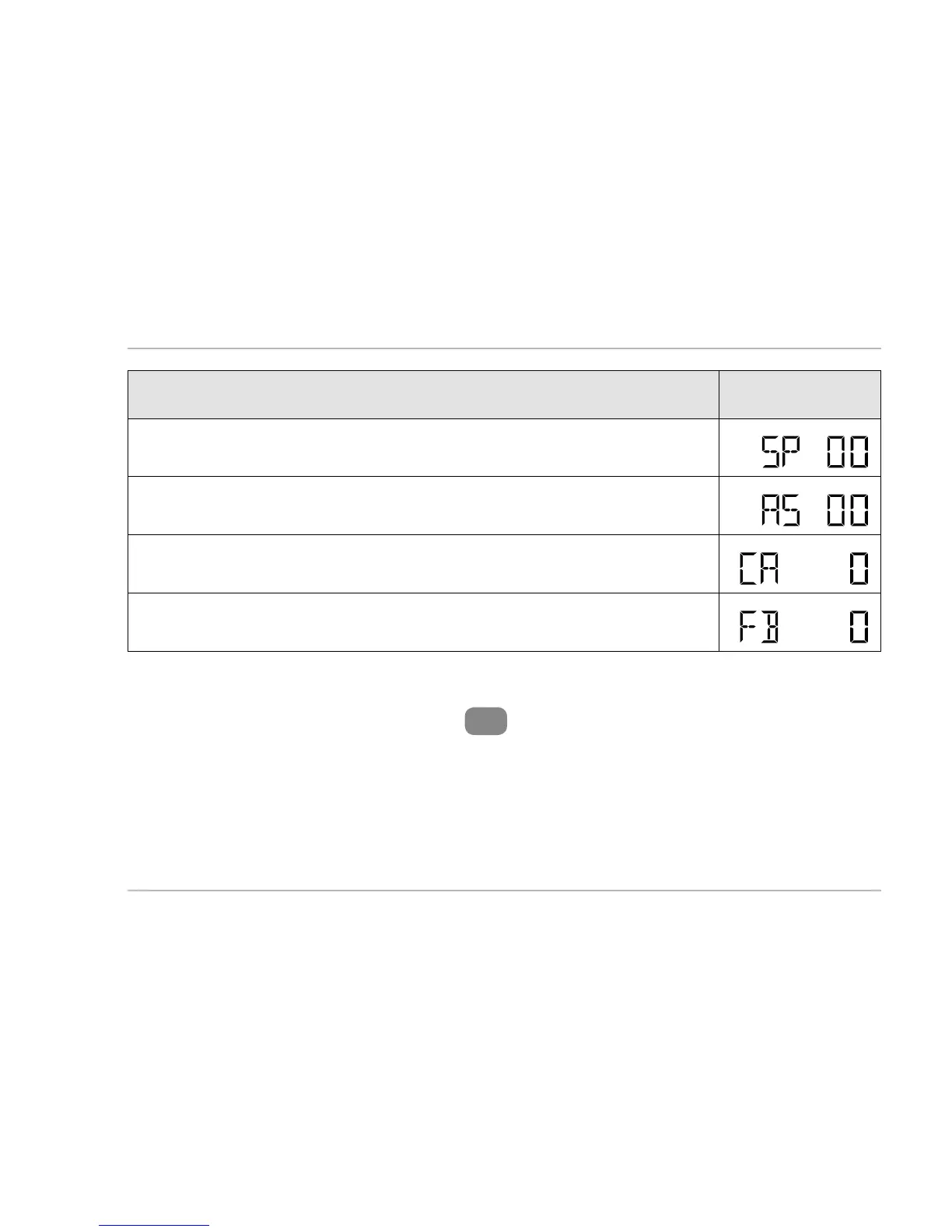
Workout data Symbol
Current speed (SP) (km/h or m/h):
Average speed (AS):
Calorie consumption (CA):
Fat burnt (FB):
1. To set the indicator of the bottom segment of the display,
hold the “MODE” button
5
down for approx. 3 seconds.
“MODE” is shown in the upper segment of the display
and the display will start to blink in the bottom display
segment.



 To Next Page