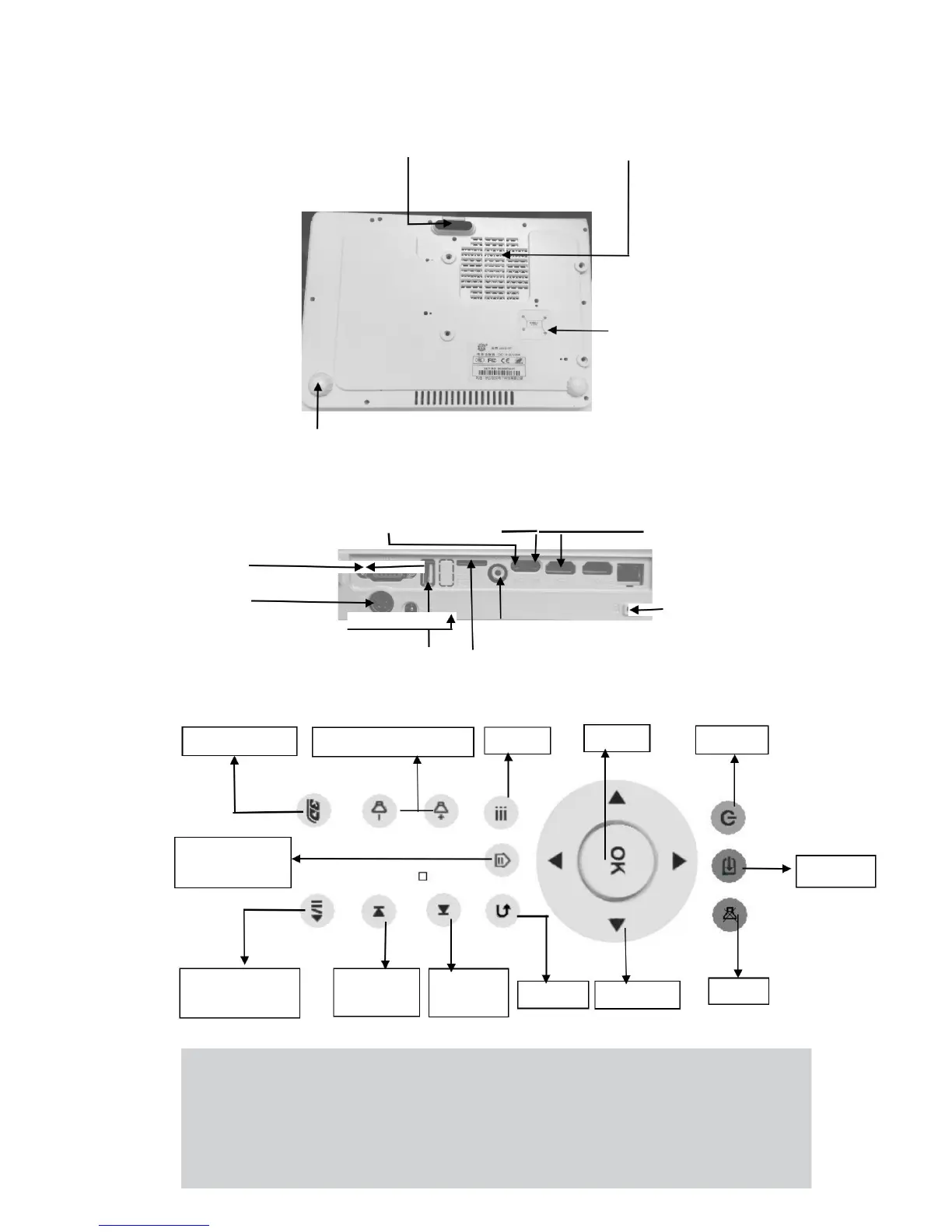
Bottom Overview
Projection Image Height Adjustment Heat Emission Hole( Don’t cover)
Installation Diagram
(Follow it to install )
Tilt Adjustment Knob
(Rotate it to adjust the left and right height of the projection image)
Back Overview
Audio-out Audio-in HDMI- 2
VGA HDMI-1
Adapter
Battery Video Input
USB TF Card
Remote Control Overview
Anti-theft Lock
Importance:
1. Make sure no obstacle between remote control and projector. If there is
obstacle between them, remote control signal may be reflected back by the
particular surface ,which will affect operation.
2. Buttons and keys on projector have the same function with buttons of remote
control. Our manual introduces functions based on remote control.
3


 To Next Page