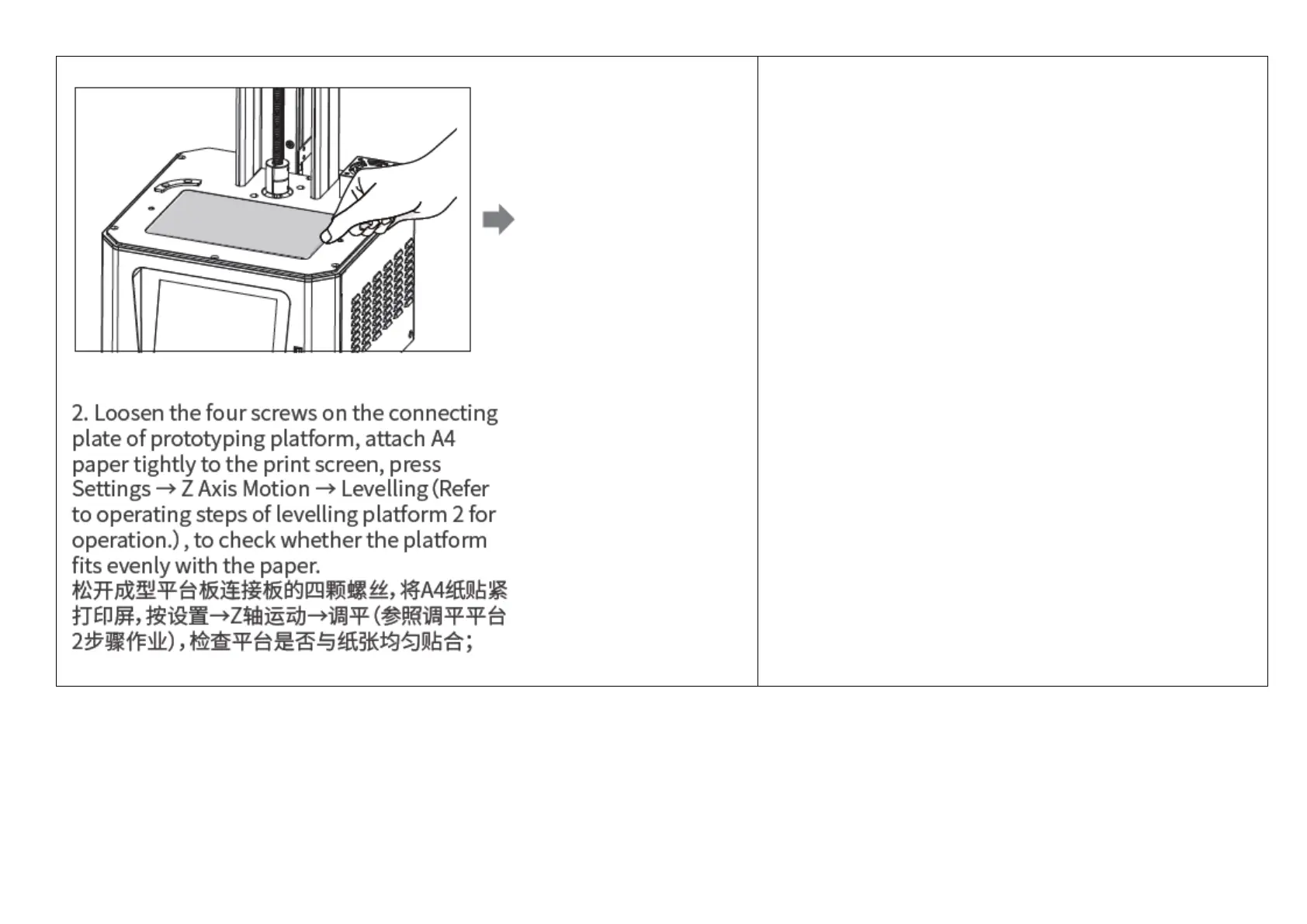
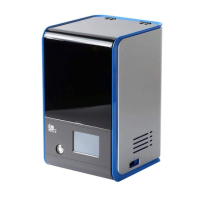
2. Loosen the four screws on the connecting plate of printing
platform, attach A4 paper tightly to the print screen, press
Settings → Z Axis Movement → Leveling (Refer to operating
steps of leveling platform 2 for operation.), to check whether the
platform fits evenly with the paper.
松开成型平台板连接板的四颗螺丝,将A4纸贴紧打印屏,按
设置→Z轴运动→调平(参照调平平台2步骤作业),检查平
台是否与纸张均匀贴合;
2. 印刷プラットフォームの連結板の4つのねじを緩め、A4
用紙を印刷画面にしっかりと合わせます。[設定]→[Z軸方
向移動]→[レベリング](操作方法はレベリングプラットフ
ォーム2の操作手順を参照してください)の順に押し、プ
ラットフォームが用紙に均等にフィットするかどうかを確
認します。


 To Next Page