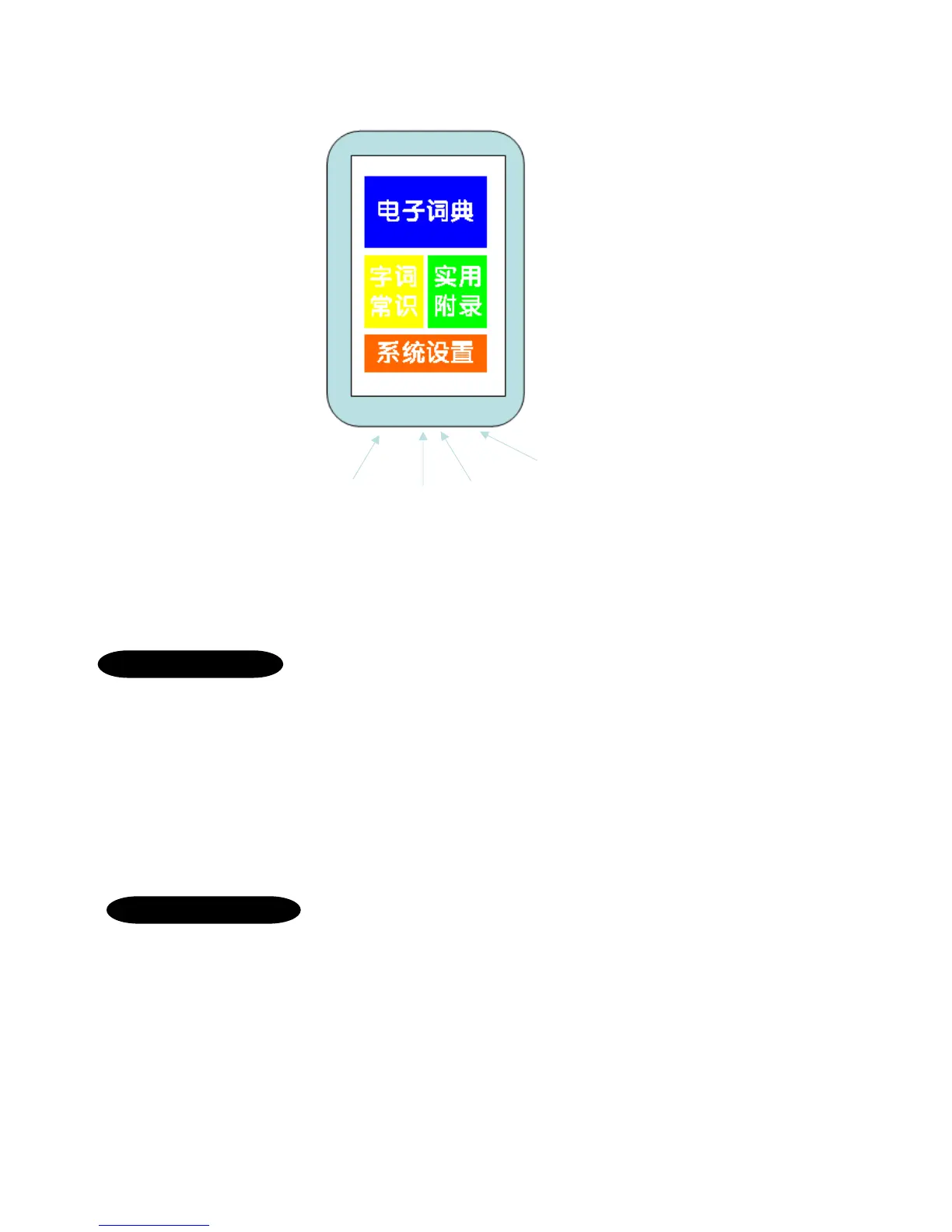
Power button: Turning the device on & off. Long press till the screen lights up, after turning on, “Tap” once to
enter sleep mode, tap again to wake up. Long press to turn off.
Headphone Jack: Due to it being an examination model, students will need to plug in earpiece to hear anything.
Charging Port: For charging purposes.
Volume Button: As the device has no built in speakers, the volume adjustment is for when the earpiece is plugged in.
Let’s Start
When opening the package, make sure everything below is included:
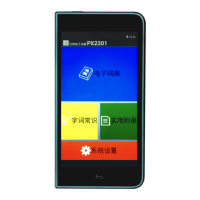
One E-dictionary model PX2201
One set of earpiece
One USB charging cable
One touch screen stylus
One Protective cover for the dictionary
Please provide a full charge(100%) on your first charge.
Turning on the device
Startup: After charging, hold the power button for about 3 seconds to turn on the device. The system will
self configure and bring up the main page. Once the main page is shown, you may proceed to
use the device.
Shutdown: Long press the device for 5 seconds to shut down the device.
Sleep: After turning on the device, tap the power button once to enter sleep mode, tap again to wake up
instantly.
It is recommended for students to do this during examinations to save time.
Volume
buttons
Charging
port
Power
Button
Headphone
Jack



 To Next Page