10
Changing the Modes
The GlassCondor has 3 modes and you can switch between them by pressing
the MODE (#14) button.
Announcements
In any of the three modes, the menu will disappear if no action is taken within
3 seconds.
Turn the IR light OFF to save power when there is a light source around.
Please don't block the IR light after you turn it ON.
Photo Mode
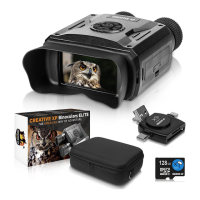
The monocular goes in photo shooting mode automatically after starting up
(Picture 1). You can start taking photos or observe the wildlife in this mode.
The button "OK" (#13) works as the "Shoot" button in this mode. Each press
takes one photo. The photos save automatically on the TF memory card.
The memory capacity left is shown on the screen (icon #2). There could be a
small dierence between the number shown and the actual number of photos.
Photo Mode For taking photos
Playback Mode For viewing recorded files
Video Mode For taking videos
Changing the Modes



 To Next Page