13
Brightness Adjustment
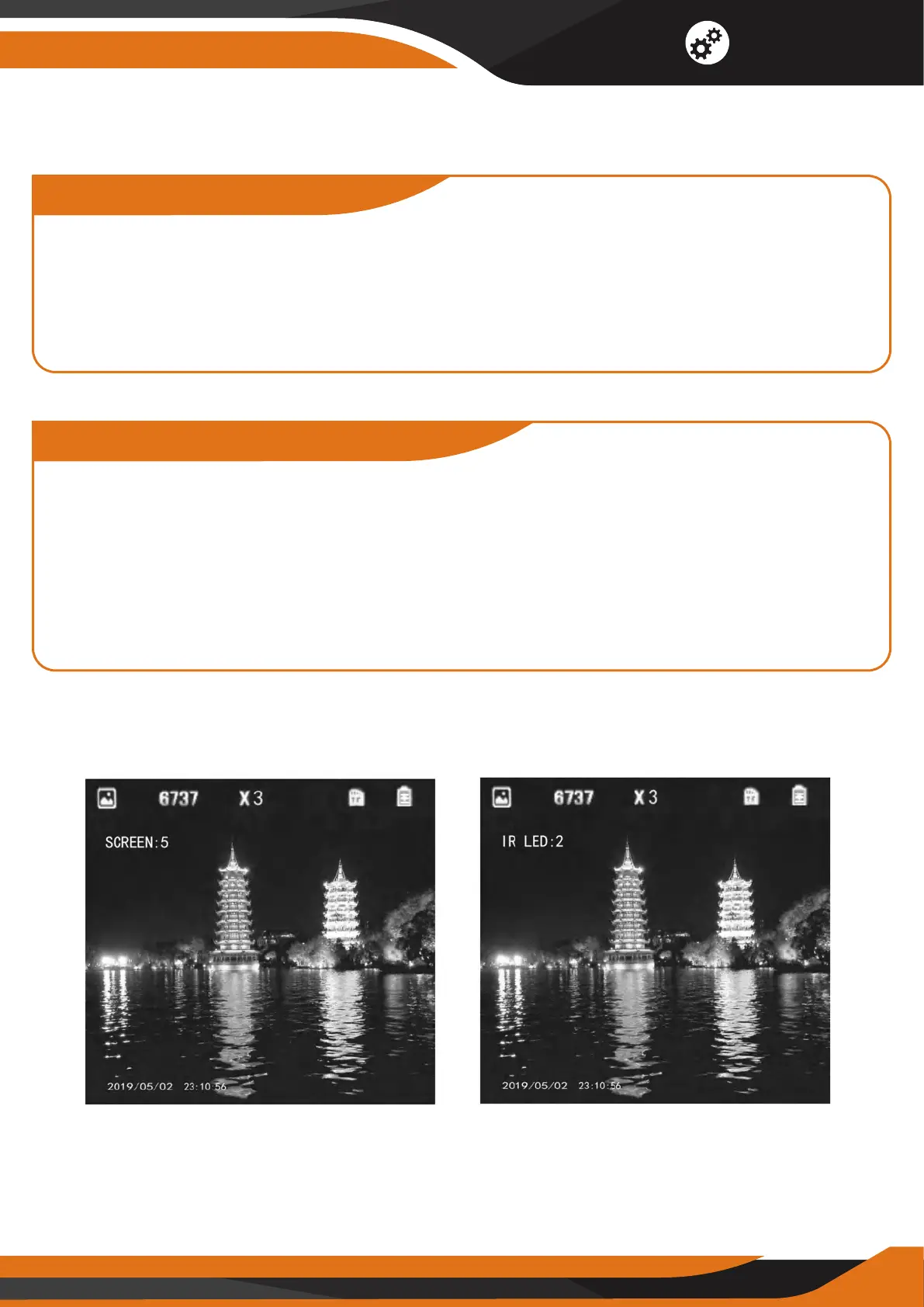
In the photo shooting and video modes, press #11 for two seconds to enter
the brightness adjustment menu (Picture 2) – the brightness level is the
number after the word "SCREEN." The brightness levels range from 1 to 10,
and you can change them by pressing #12 and #15. The screen brightness
adjustment mode will automatically switch o after 3 seconds.
Adjustment for Illumination
In the photo shooting and video modes, press #11 once to open IR LED
(Picture 3). The IR level is the number after "IR LED" – we recommend Level 2
to save battery life. Press #11 once again to turn o the IR LED.
Press #12 and #15 to adjust the infrared illuminator ranged from 0 to 9
(9 – the lightest, 0 – IR o). The IR adjustment mode will automatically switch
o after 3 seconds.
Picture 2 Picture 3
Functions



 To Next Page