5. Using the Infrared Illuminator
Turn the infrared illuminator (auxiliary light) ON by pressing the IR button
when using the monocular in complete darkness. You can adjust the
brightness of the infrared illuminator depending on the objects' distance.
A low-level illuminance transducer is featured as well. If there is any light
resource around, such as street lamps or moonlight, you don't need to turn on
the IR function. You only need to adjust the objective lens's focal length and
the screen brightness to be the most precise image.
The runtime is 5 hours when the IR illuminator is OFF and 2.5 hours when the
IR illuminator is ON.
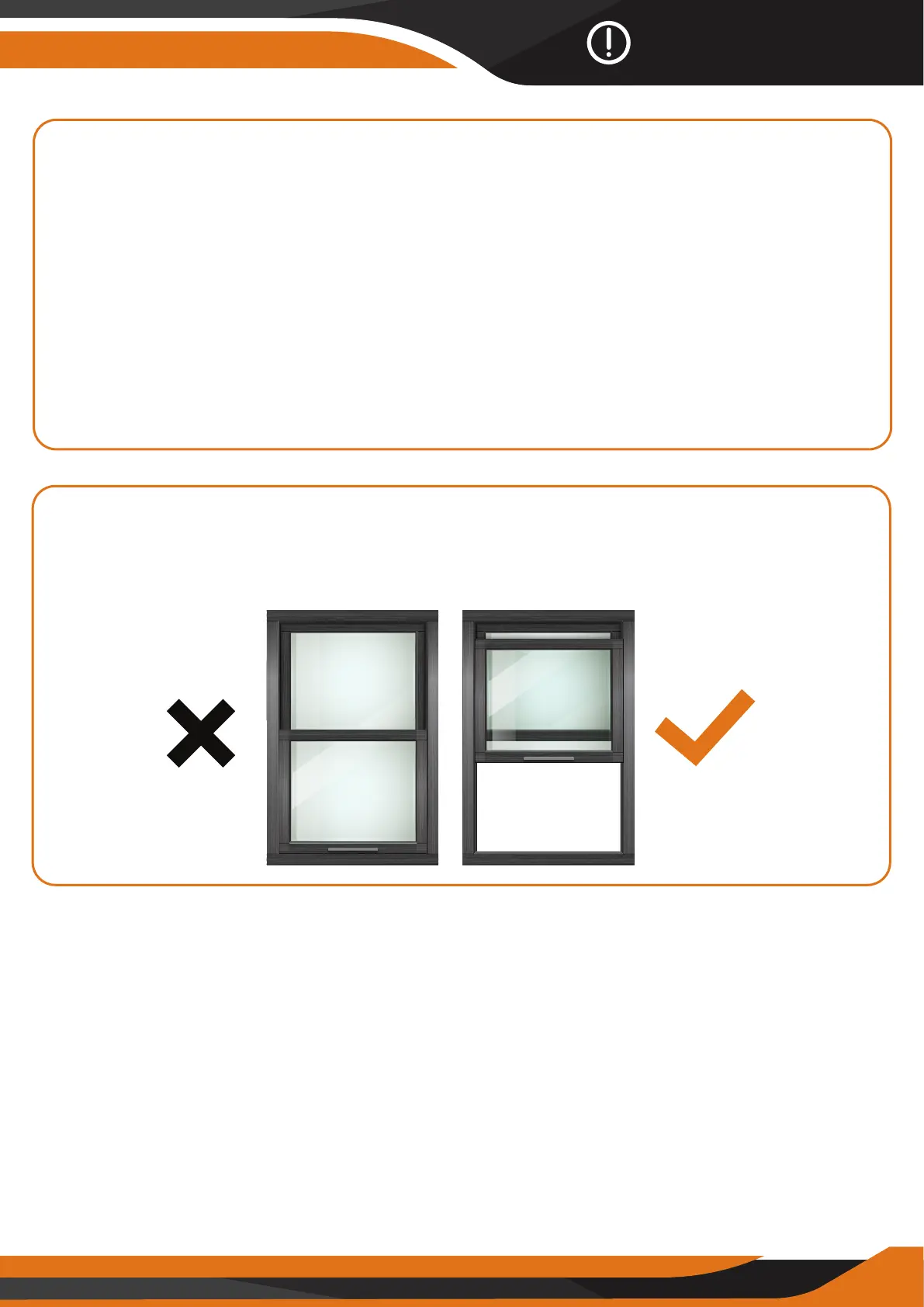
6. Can the GlassCondor work through windows?
Whether or not the infrared light (IR) is turned ON, the device cannot observe
objects through window glass.
Tips & Warnings
18



 To Next Page