2 3D Blaster GeForce2 GTS Installation Guide
Serial and Model
Numbers
Your card’s serial and model numbers can be found at the back of the card. We recommend
that you record the serial and model number below. This information will be useful in the
event that you need to contact our Technical Support staff for troubleshooting or your dealer
for warranty service.
Before You Begin
The README file on the CD-ROM contains information not available at the time of printing.
Read the file before you continue.
Minimum System
Requirements
❑ IBM
®
PC 100% compatible
❑ Pentium
®
II, Pentium III, AMD-K6
®
class processors or compatible
❑ 64 MB RAM
❑ 50 MB available hard disk space (for full installation)
❑ An AGP 2.0 compliant slot or better
❑ CD-ROM drive installed
❑ Windows 95, Windows 98, Windows NT 4.0 (with Service Pack 5),
or Windows 2000
❑ Standard VGA monitor or multi-frequency VGA monitor
Updating Drivers
To download the latest drivers for 3D Blaster GeForce2 GTS, visit Creative’s Web site (refer to
the
Technical Support
leaflet for details).
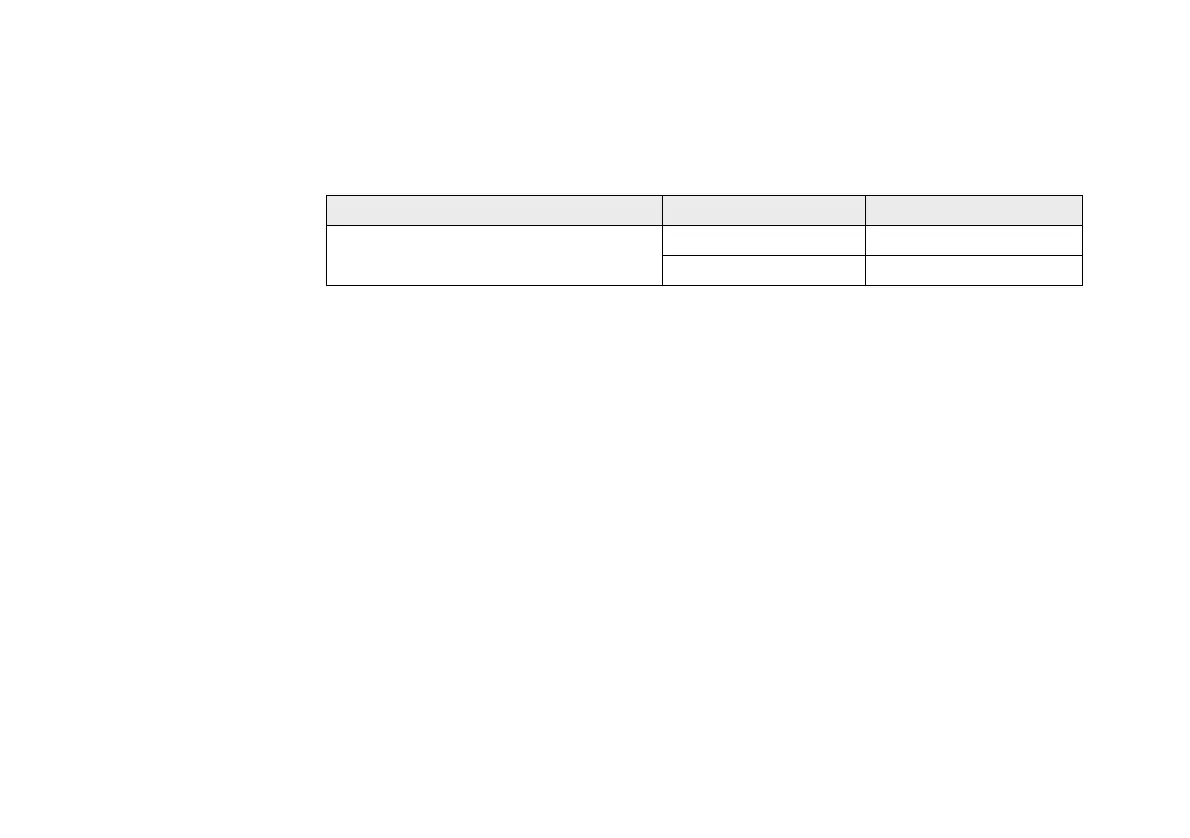
Table 1: Serial numbers and model numbers.
Hardware Product Codes Numbers
3D Blaster GeForce2 GTS
Serial Number
Model Number



 To Next Page